
Filters

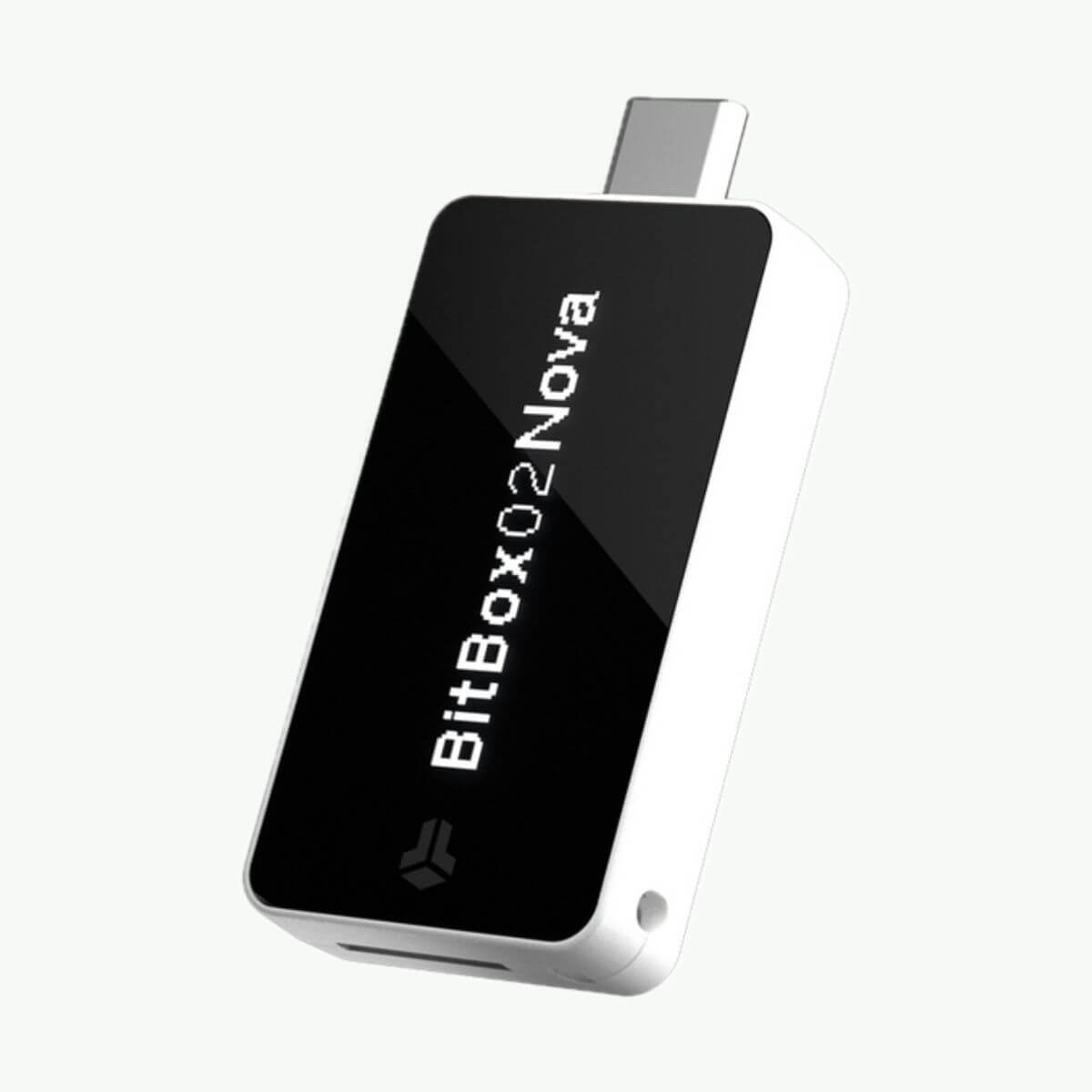
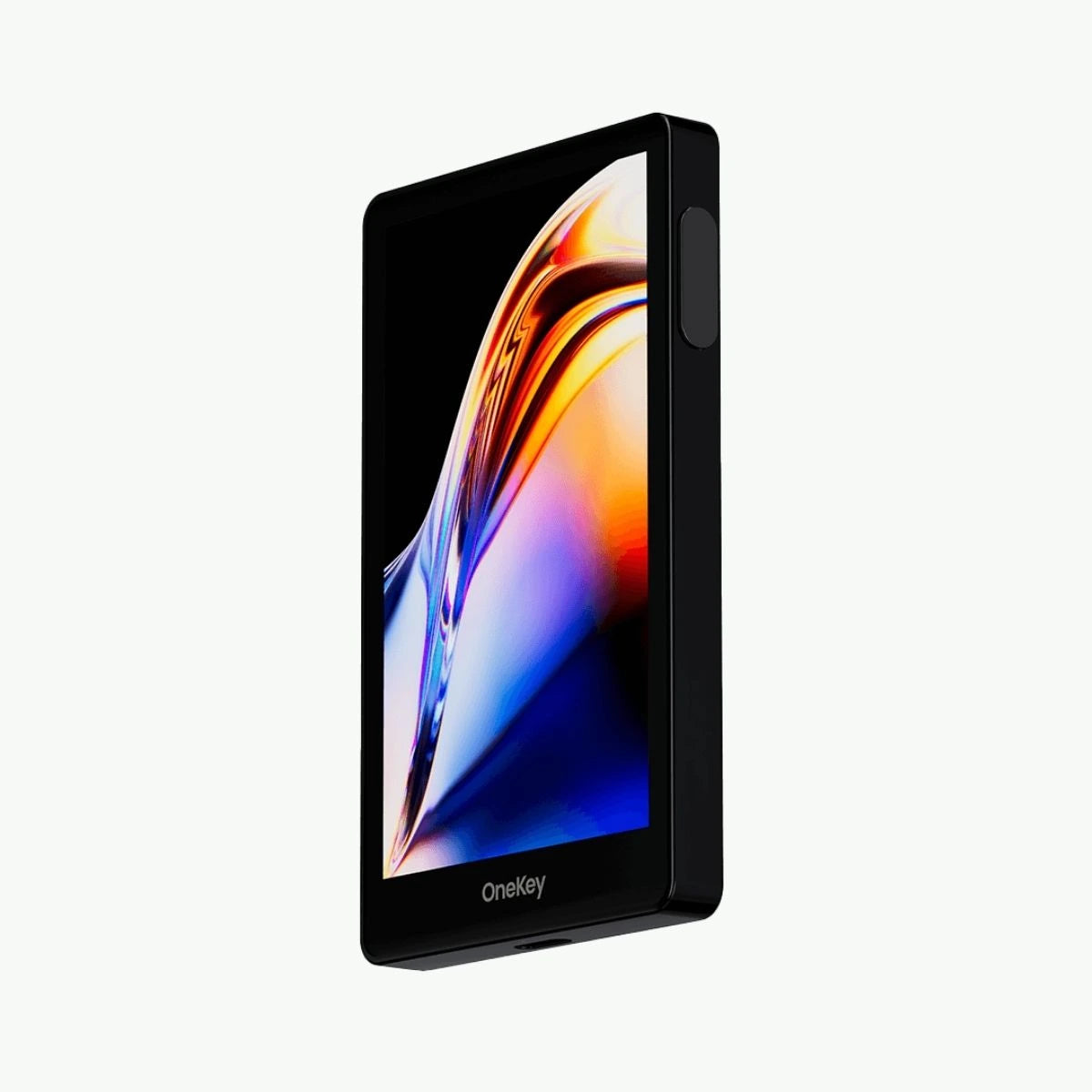
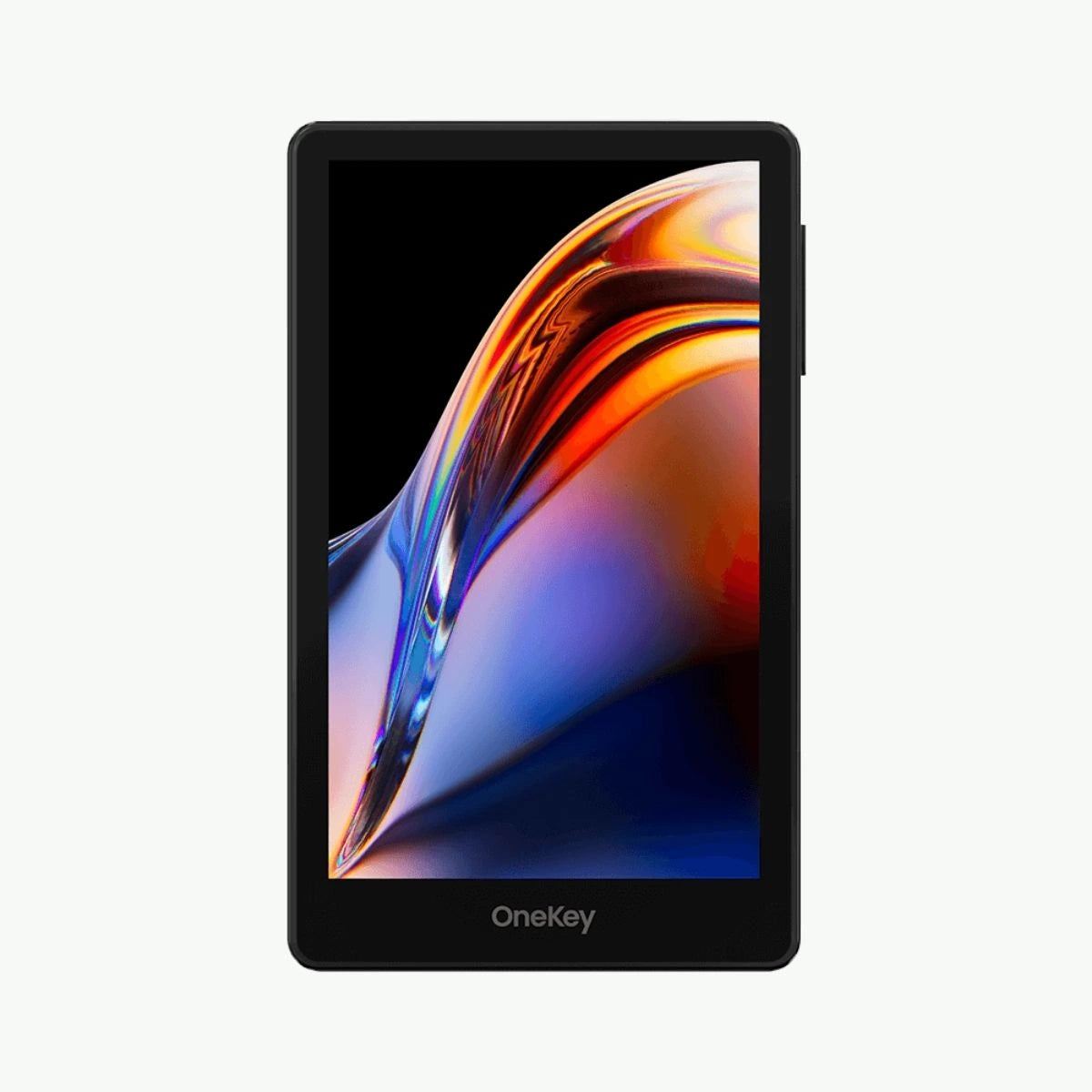
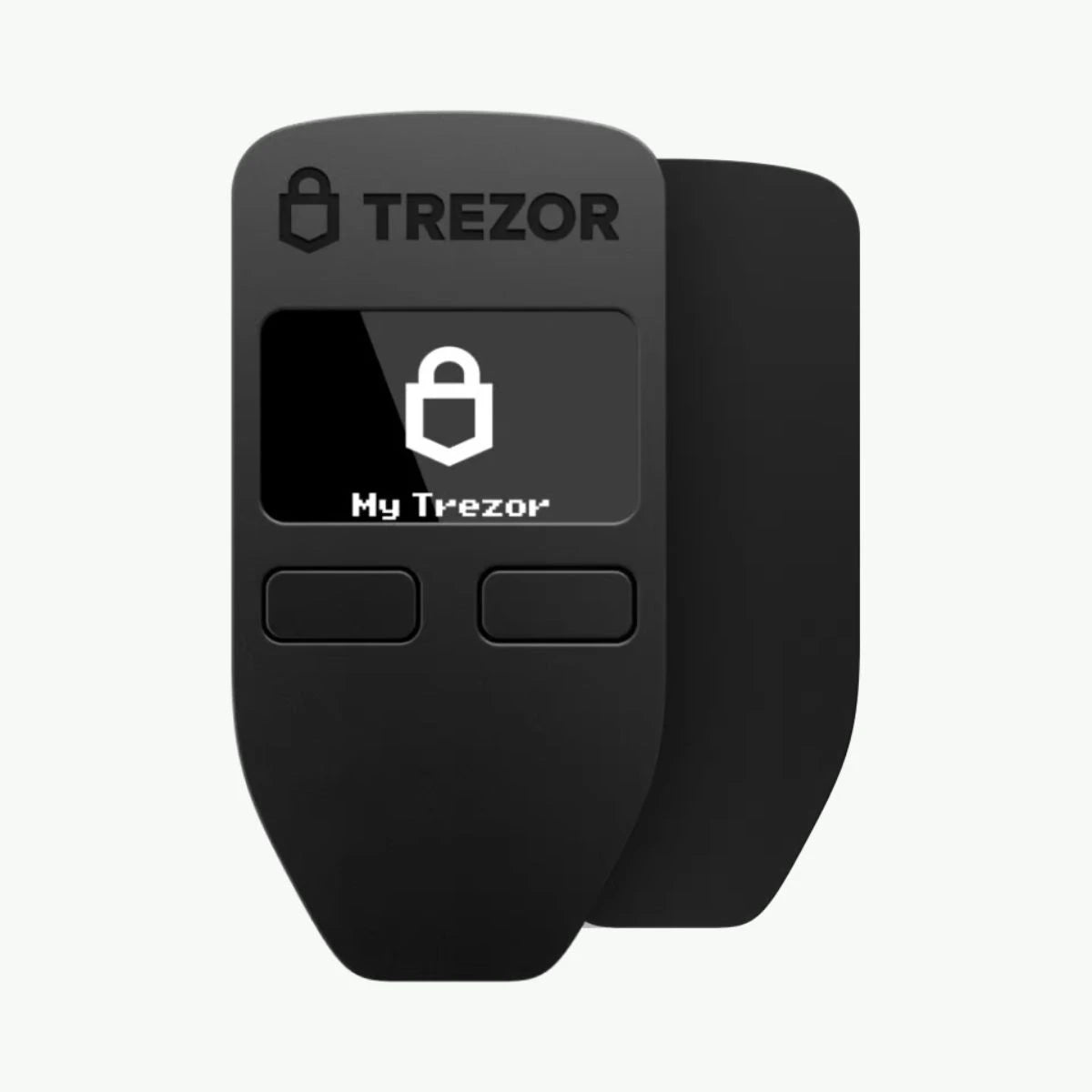
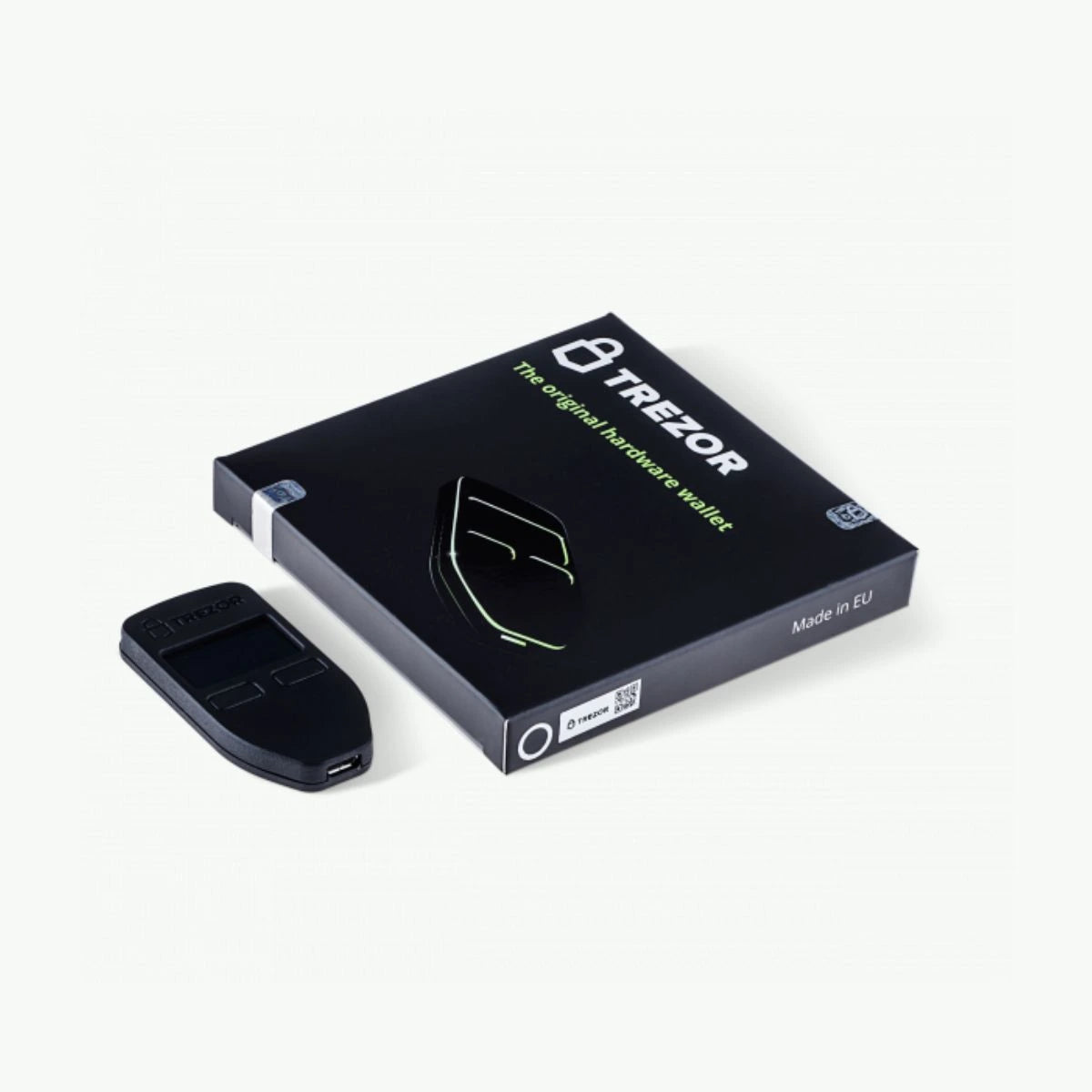
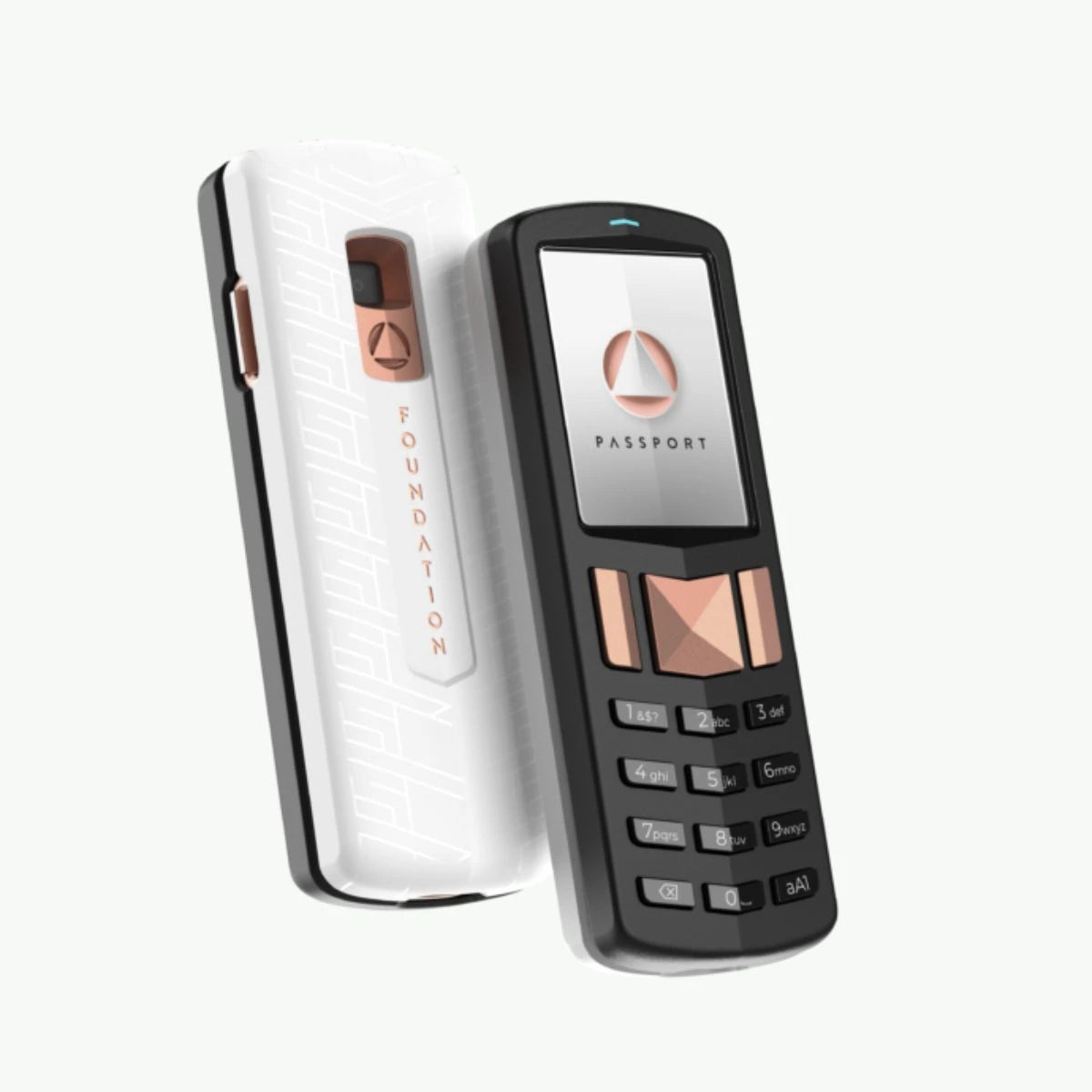
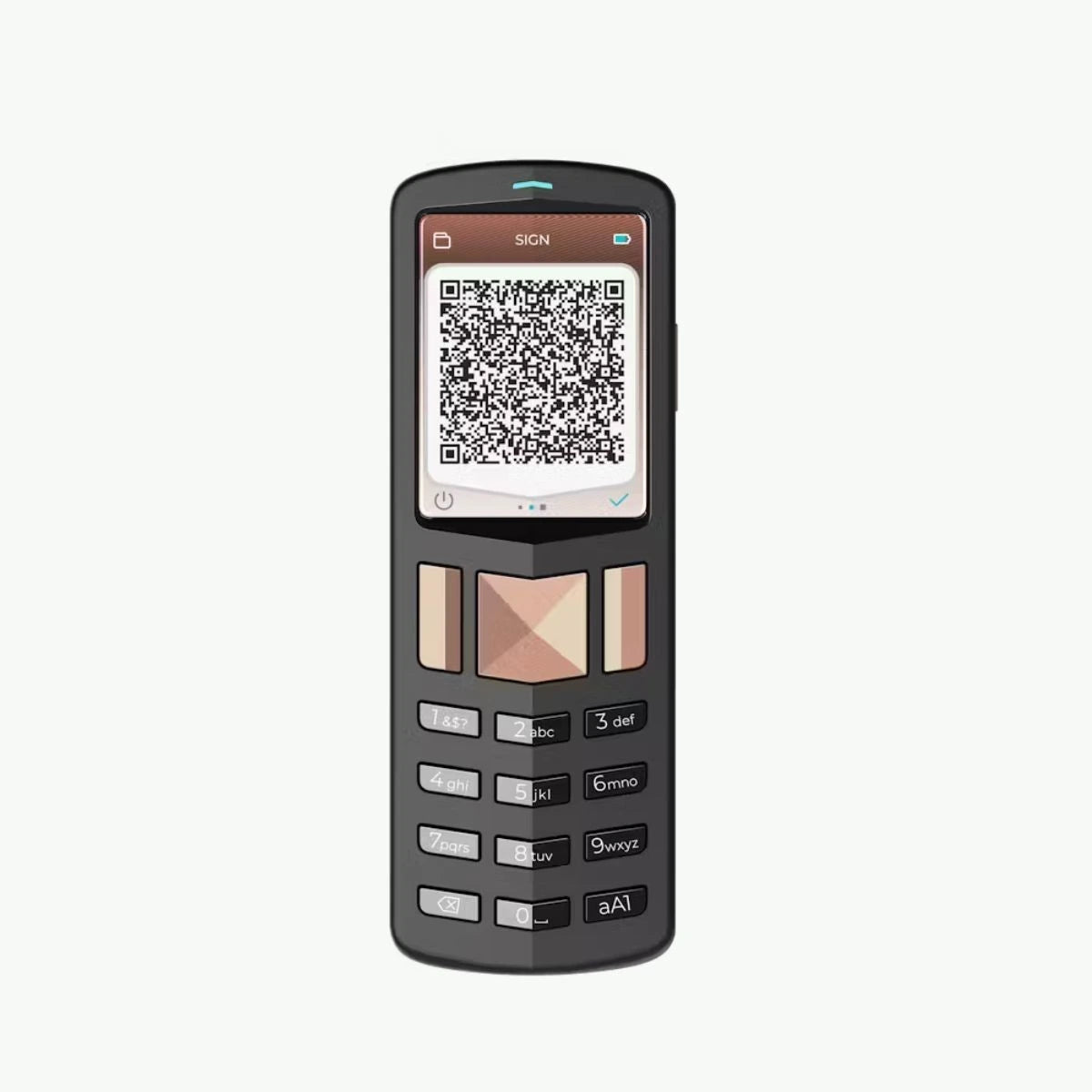
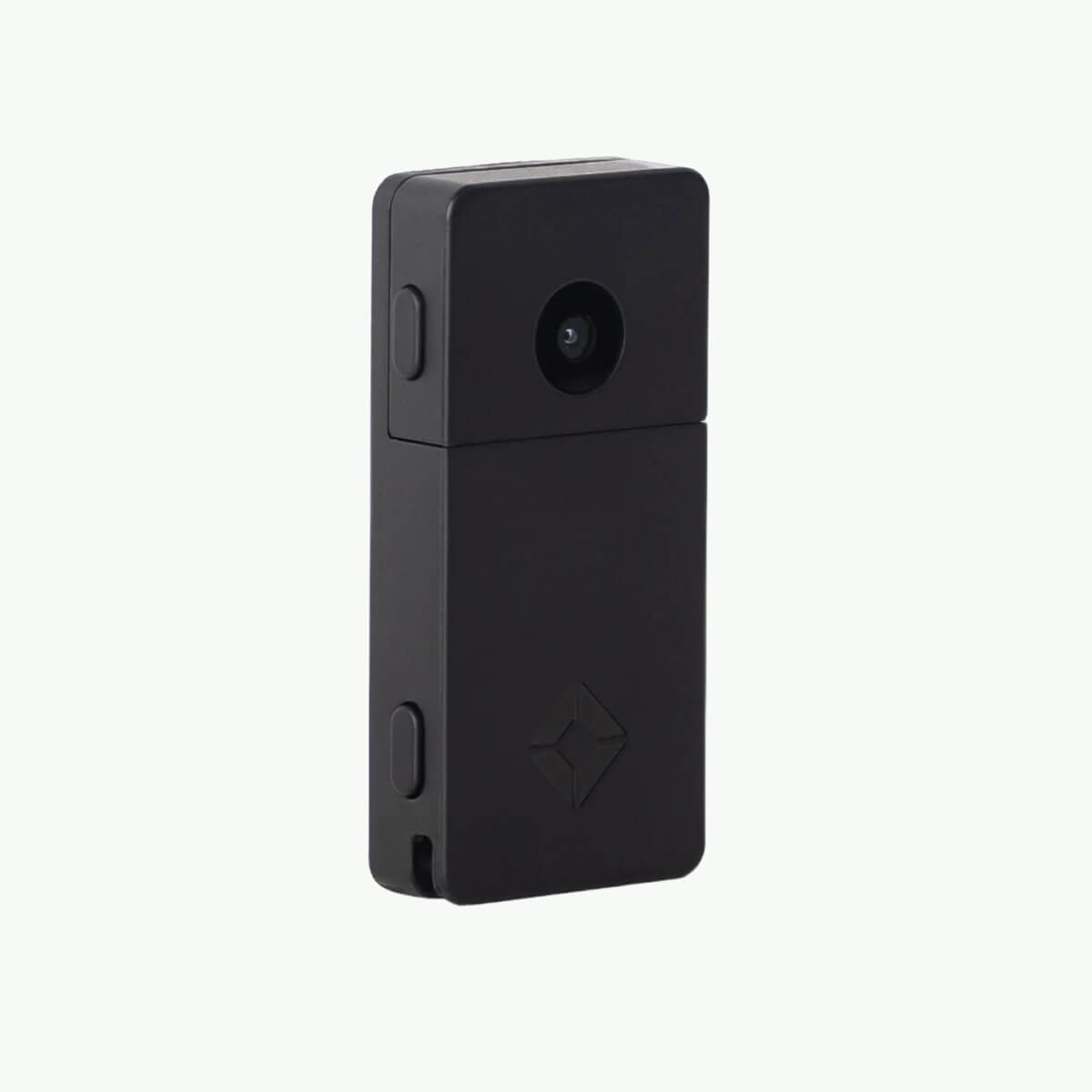
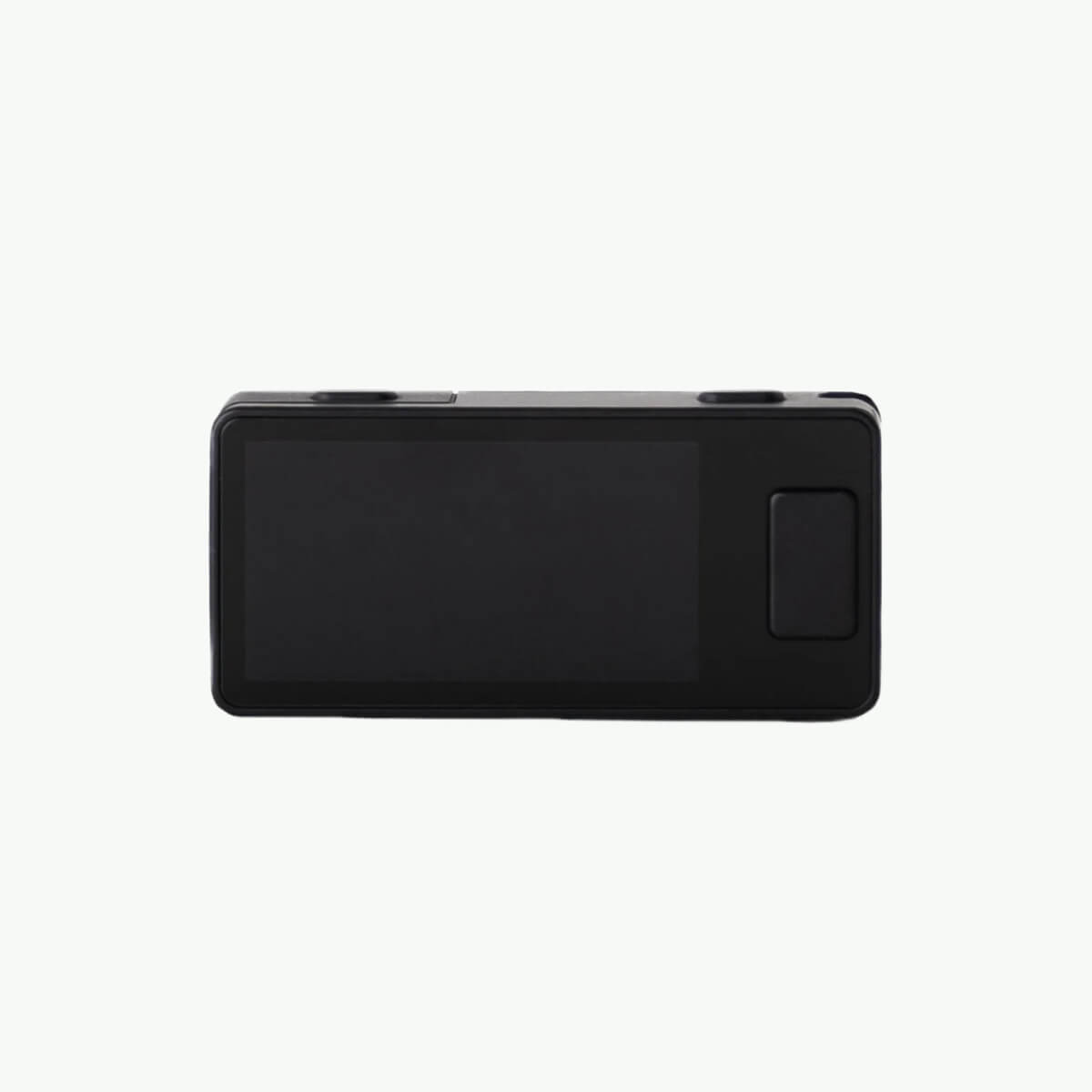
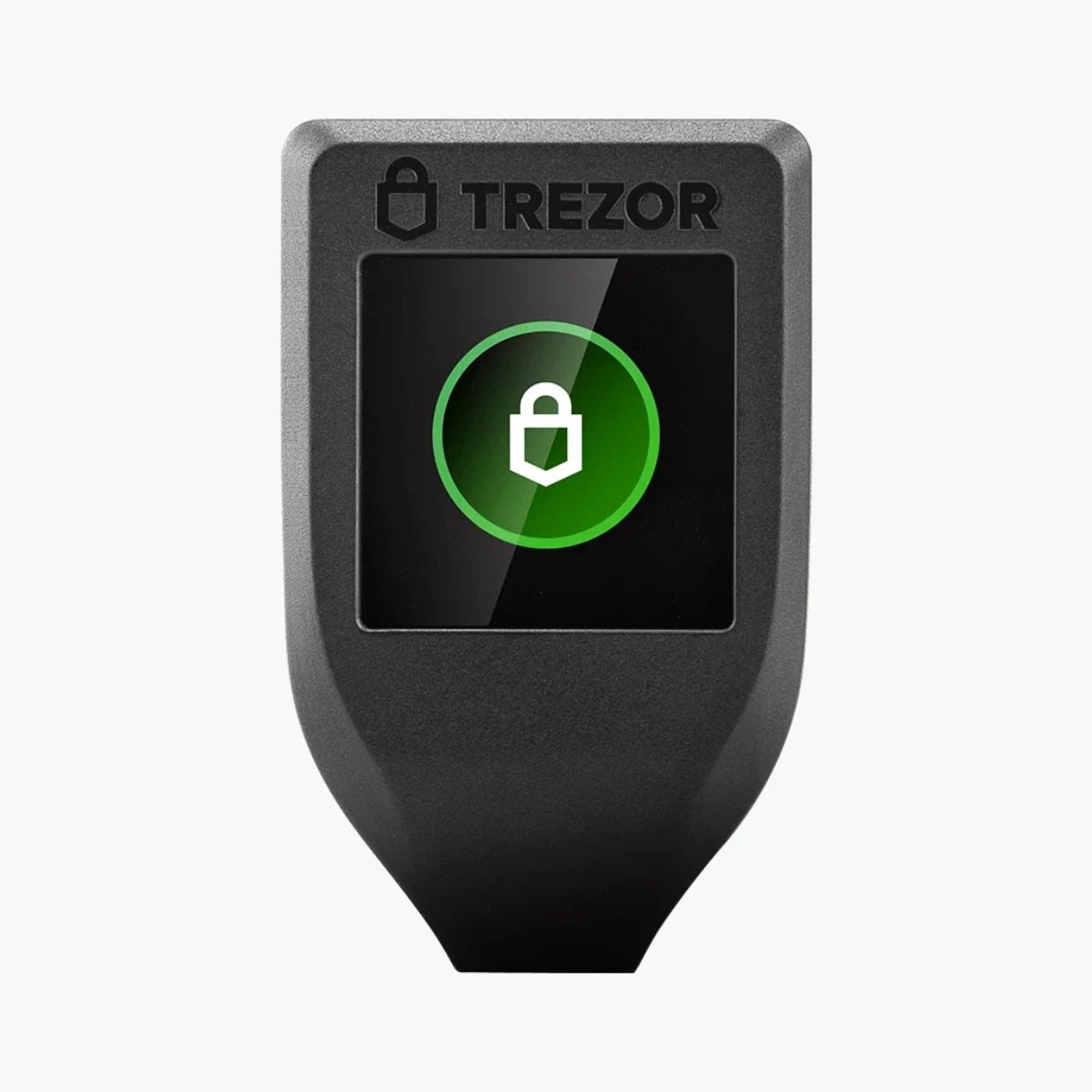
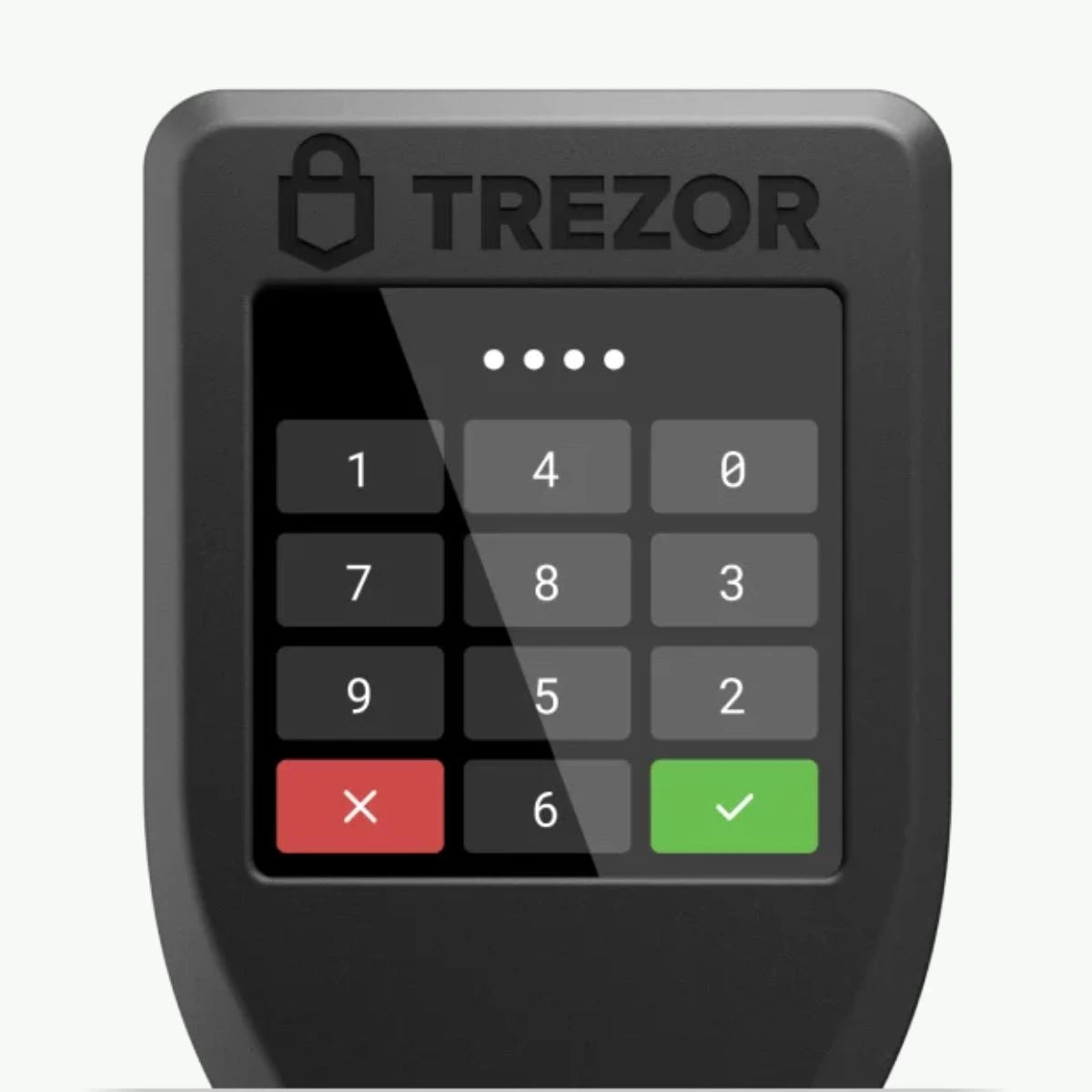
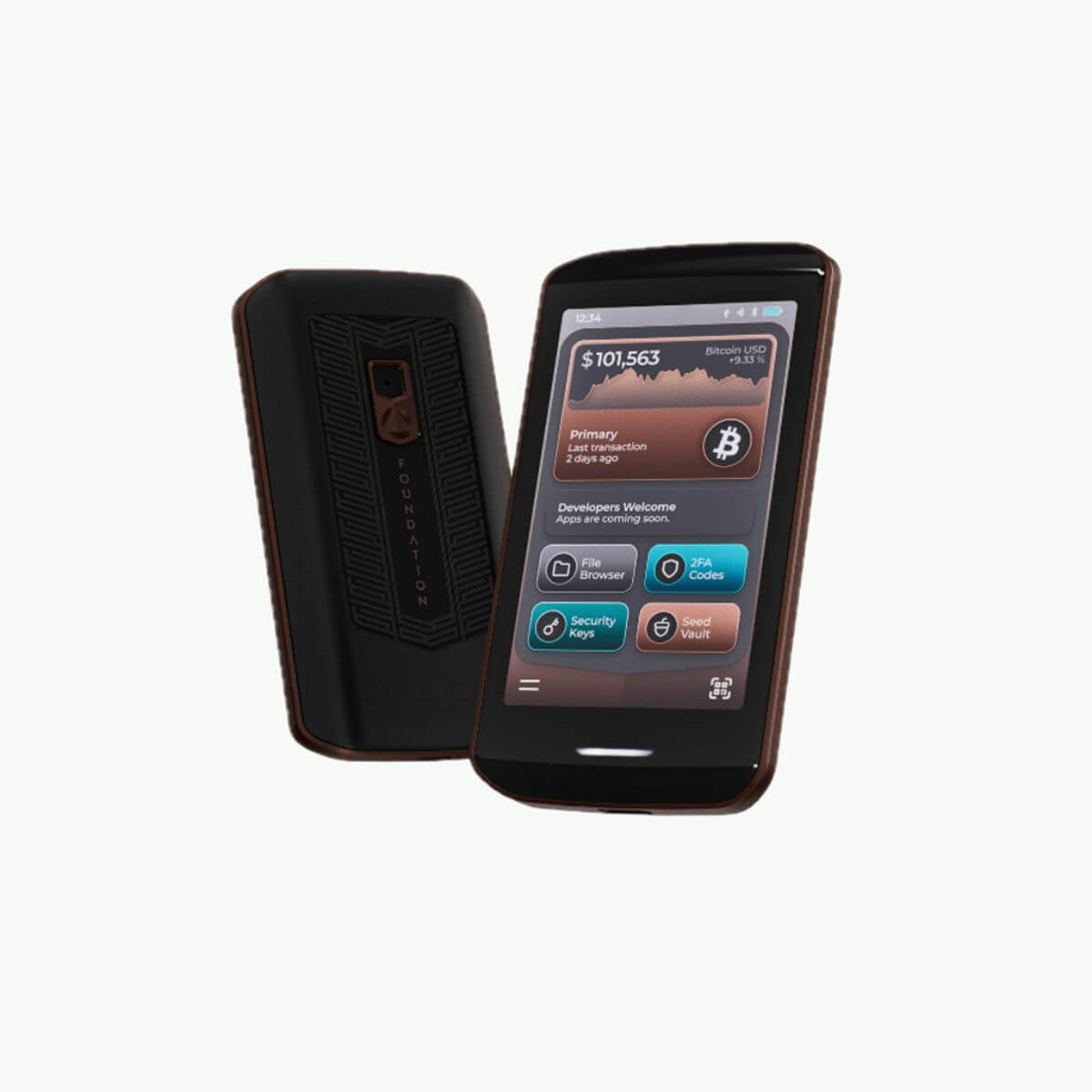
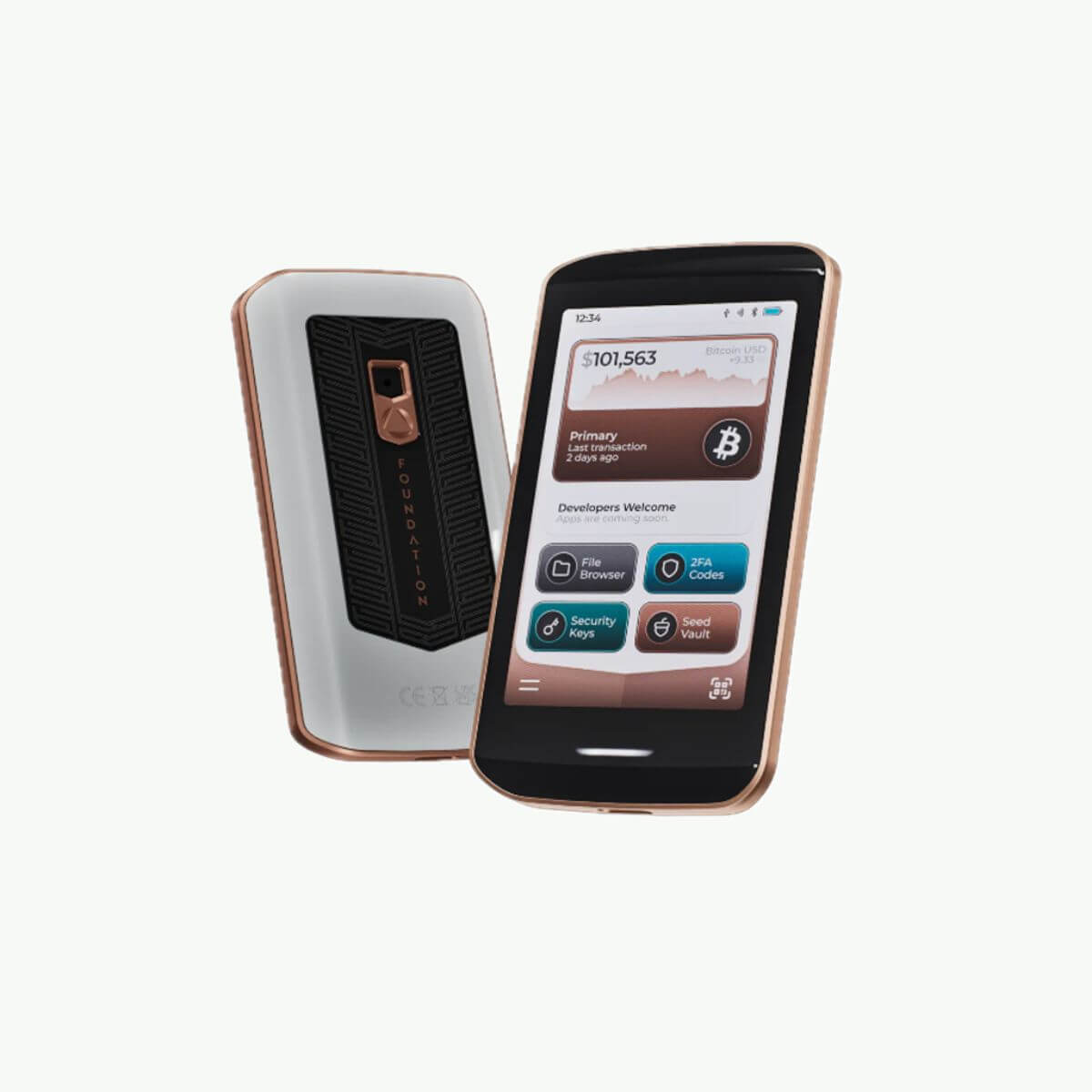
Hardware wallets suitable for macOS
MacOS-compatible hardware wallets allow users to securely manage their cryptocurrencies via their Mac or MacBook. These wallets are specifically designed to work seamlessly with macOS, allowing you to manage, send, and receive your crypto with the assurance that your private keys always remain offline. By connecting to your Mac via USB or Bluetooth, you can quickly and easily sign and manage transactions through a user-friendly desktop application, without your crypto ever being stored on your Mac itself.
Many of these wallets offer macOS-optimized apps, providing a smooth and intuitive experience. These apps support features like managing multiple accounts, portfolio overviews, and transaction tracking, while maintaining the offline security of your private keys. This allows you to manage your crypto securely and clearly, even with frequent use or when managing multiple coins.
How does a hardware wallet work with macOS?
A hardware wallet works with macOS by connecting to your Mac via USB or Bluetooth. You manage your wallet through a dedicated macOS-compatible desktop application, allowing you to manage your crypto and securely sign transactions while your private keys remain stored offline.
Is it safe to use a hardware wallet on macOS?
Yes, it's safe to use a hardware wallet with macOS, provided you follow the proper security measures. The hardware wallet always stores your private keys offline, so your crypto remains protected even if your Mac becomes infected with malware. Use only official apps and ensure your Mac is properly secured to minimize risks.
Hardware wallets for macOS offer users a secure and user-friendly way to manage their digital assets, combining the benefits of offline storage with a powerful desktop app. They're ideal for anyone who wants to manage their crypto securely and efficiently on a Mac.