Your new hardware wallet has arrived. Before you set it up, there is one thing you want to be sure of: is this device genuine, and has nobody tampered with it? This article explains how to check. For each brand you will see which authenticity check the manufacturer itself describes, with a link to the official instructions. After that you will find a checklist and answers to frequently asked questions.
Why this matters right now
In October 2026, Ledger reported that devices sold through CryptoBilis, a reseller in Malaysia and Southeast Asia, contained an unauthorised hardware implant. According to Ledger, the implant read the recovery phrase from the screen during setup and transmitted it over a mobile connection. According to Ledger, its Secure Element and operating system had not been modified.
Ledger asked buyers from this reseller not to start using a device that had not yet been set up. Anyone who had already set up the device was told to move their funds to a new device with a new recovery phrase. The amounts circulating online come from third parties; Ledger has not confirmed them. Read the details at BleepingComputer and Decrypt.
The lesson goes beyond a single brand. It is about the route a device takes before it reaches you. The fewer links in that chain, the lower the risk. And the more carefully you check yourself, the sooner you will notice something odd.
What an authenticity check does and does not prove
Almost every manufacturer offers a cryptographic check. The device uses a secret key to prove that it was made by the manufacturer. A counterfeit device fails that test.
But be honest with yourself: a check like this doesn't catch everything. Ledger itself states that the Genuine Check cannot detect physical modifications to the hardware if the original Secure Element is intact (Ledger Donjon). BitBox says a successful check does not rule out physical tampering (BitBox). Foundation says the same about the Passport Prime (Foundation).
That is why you combine three things:
- Where you buy: from the manufacturer or an official reseller.
- What you see: the packaging, the seal (if the brand uses one) and the condition of the device.
- What the software says: the official authenticity check in the manufacturer's app.
Red flags: stop immediately if you see this
These warning signs are named by the manufacturers themselves. Spot one of them? Don't set up the device and contact the manufacturer's support.
A recovery phrase is already included
A genuine device is never supplied with a preset recovery phrase or PIN (Ledger). With Trezor, the backup cards must be completely blank; if there are already words on them, don't use the device (Trezor). You always create your recovery phrase yourself, during setup.
The device has already been set up
OneKey names a device that appears to be initialised already, or already has a PIN, recovery phrase or wallet, as a reason to stop (OneKey). Ryder calls a preconfigured device a "major red flag" (Ryder). Trezor devices leave the factory without firmware; if firmware is already installed, don't use the device (Trezor).
The packaging has been opened or damaged
Does the packaging look opened, altered or damaged? Then don't use the device and contact support (Ledger). Note: not every brand seals the box. So check below what is normal for each brand.
Someone asks for your recovery phrase
A genuine hardware wallet never asks for your recovery phrase on a computer, phone, app or website. If something asks for it, it is a scam (Ledger). BitBox and Foundation warn about this too. On top of that, Ledger never sends an unsolicited "replacement" device.
Unknown seller or a suspiciously low price
Ledger recommends buying from Ledger or an authorised reseller, and checking who the seller is on marketplaces. Ryder advises against marketplaces and unknown resellers. In the October 2026 incident, researchers say tampered devices were offered at almost half the normal price (BleepingComputer). A price that looks too good to be true is a reason to be extra careful.
Authenticity check by brand
Below, for each brand, is what the manufacturer itself describes. If in doubt, always follow the official page we link to. That page takes precedence.
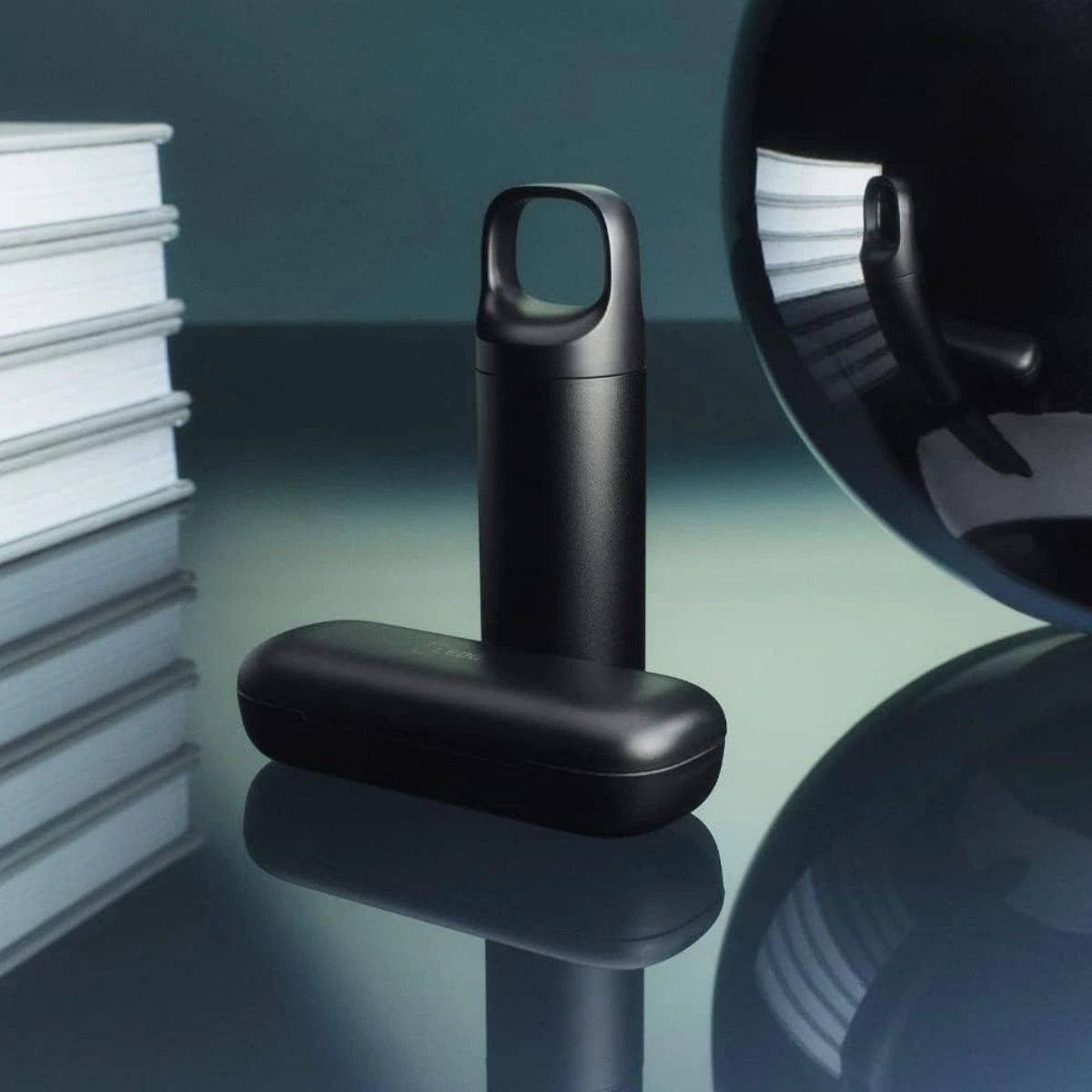
Ledger
Official check: the Genuine Check in Ledger Wallet (formerly Ledger Live). The app sends a random challenge to the device. The Secure Element signs it with a key that cannot be extracted. The check runs on first connection, when the app is opened, before an app is installed and before a firmware update. If it fails, Ledger Wallet will not work with the device (Ledger Donjon).
- Only download Ledger Wallet from the official website or official app stores. Counterfeit devices can use a modified app that wrongly reports "genuine".
- The Genuine Check detects counterfeits, but not a physical implant alongside a genuine Secure Element.
- Packaging: Ledger says classic hologram or tamper-evident stickers can give "a false sense of security" because they are easy to copy. Ledger therefore relies on the Genuine Check and on purchases through official channels. If the packaging still looks opened or damaged, don't use the device.
- Your recovery sheet is blank. It never comes with a recovery phrase or PIN already written on it.
Sources: Ledger Academy: buying a Ledger securely and Ledger Donjon: device genuineness. Also take a look at our Ledger hardware wallets.

Image: Ledger
Trezor
Official check: a hardware-level authenticity check via the Secure Element, plus a firmware signature check every time you connect. Trezor Suite only works with firmware officially signed by SatoshiLabs. If the signature is invalid, the device and Suite will warn you.
- Packaging: the box is wrapped in clear or watermarked film (Safe 7: watermarked film).
- Hologram seal: covers the USB-C port. It must be clean, firmly attached and free of tears or residue. If it is missing or damaged, stop and contact Trezor. Removing it leaves "VOID" behind; that is normal.
- Backup cards: must be completely blank.
- Firmware: the Trezor Safe 3, 5 and 7 leave the factory without firmware. You install it during setup in Trezor Suite. So no firmware on arrival is exactly what you should expect.
Sources: Authenticate Trezor Safe 3, Safe 5, Safe 7 and Is my device safe to use?. Take a look at our Trezor hardware wallets.
BitBox
Official check: the Attestation Check in the BitBoxApp. During production, every BitBox02 receives an attestation key on its secure chip, certified by BitBox. The app runs the check automatically when you connect the device, even before unlocking. If the check fails, the app shows a clear warning.
- Packaging: the BitBox02 comes in a clear vacuum bag. The grey pattern of the seal must run uninterrupted along all four edges. Do you see cuts, holes, tears or signs of resealing? Then don't open the bag and don't connect the device.
- A dented shipping box on its own is not proof of tampering. Conversely, normal-looking packaging does not prove that the device is genuine.
- Only install the BitBoxApp from the official download page. No warning does not automatically mean the check is finished: wait until it has completed.
Sources: BitBox: Check your BitBox02 before first use and BitBox: How we prevent supply chain attacks. Take a look at our BitBox hardware wallets.
Tangem
Official check: the authenticity check in the Tangem app. Only download the app from the App Store or Google Play and tap your card or ring against your phone. The app verifies that Tangem made the device.
- "Create Wallet": the device is genuine and has never been activated.
- "Wallet already activated": the device has been used before. Didn't you activate it yourself, and did you just buy it? Tangem then advises a factory reset and a new wallet. A reset erases all existing keys.
- "Authenticity check failed": don't create a wallet and contact Tangem Support.
- Packaging: a standard set contains 2 or 3 Tangem devices, a starter leaflet and a specification sheet. The position of the sticker varies; don't rely on it.
Sources: Tangem Help Center: wallet authenticity and Tangem: How to tell if your Tangem Wallet is authentic. Take a look at our Tangem hardware wallets.
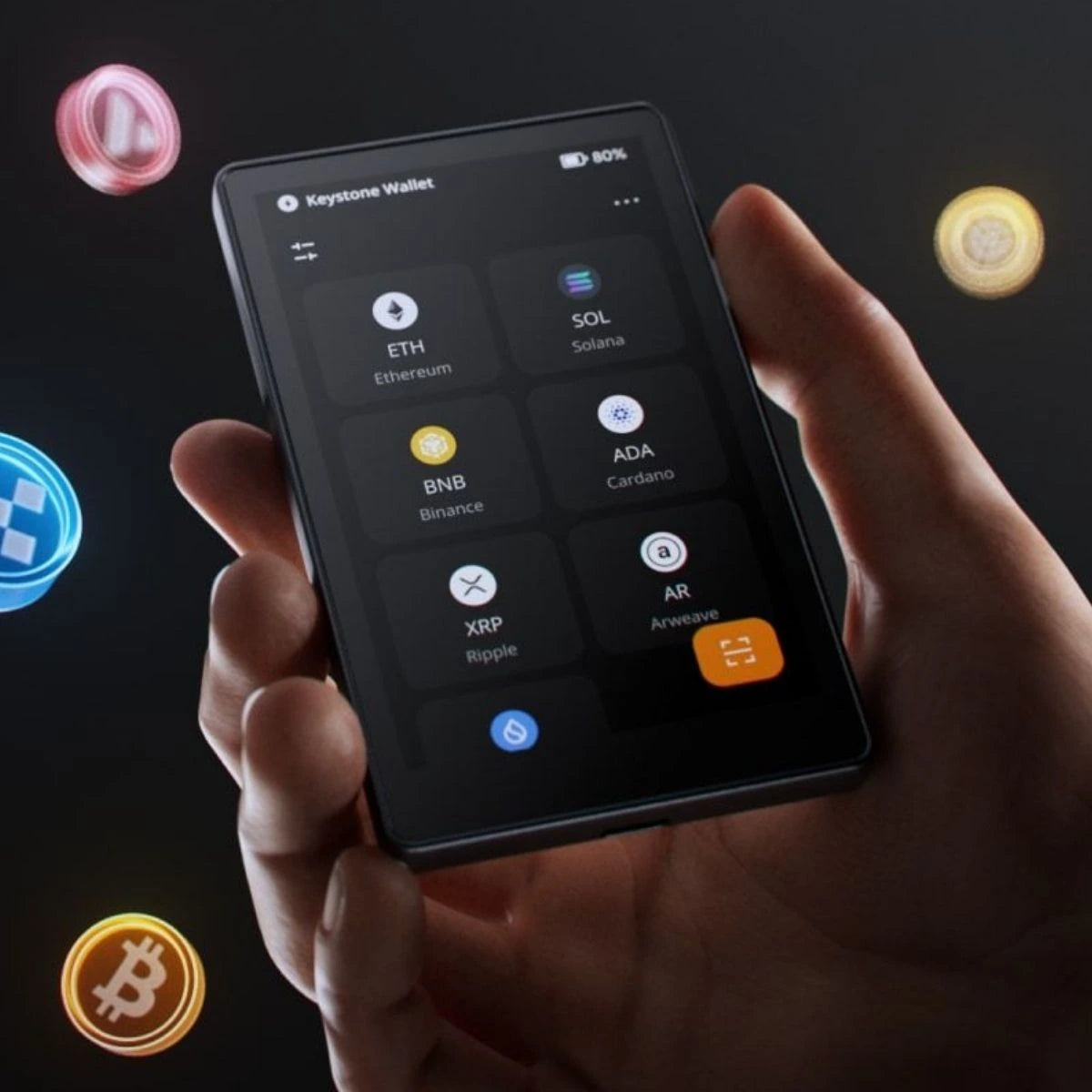
Keystone
Official check: Web Authentication while setting up the Keystone 3 Pro. You use the device to scan a QR code on the official verification page and enter the code your Keystone displays. If the device has been tampered with, authentication fails. In case of an error: contact Keystone support.
- Packaging: Keystone uses tamper-proof stickers. Check on arrival that they have not been compromised.
- Keystone is upfront that specially treated stickers can be hard to spot. Authentication is therefore the stronger check.
- Your recovery phrase is only shown during initialisation.
Sources: Keystone Device Verification and Keystone Security Practices. Take a look at our Keystone hardware wallets.
ELLIPAL
What ELLIPAL itself describes: ELLIPAL says the Titan 2.0 does not need a tamper-evident sticker on the packaging because the protection is built into the hardware: once assembled, the casing cannot be opened without visible damage. All firmware is cryptographically signed; unsigned firmware will not boot.
- So check for yourself that the casing is undamaged. Do you see signs of opening or damage? Contact ELLIPAL first.
- Only download firmware updates from the official ELLIPAL website. ELLIPAL explains how to check the hash and signature of an update file.
- We did not find a separate step-by-step authenticity check in an app in the official documentation. In doubt? Contact ELLIPAL via the official website.
Sources: ELLIPAL Security Lab and ELLIPAL: safety of firmware update files. Take a look at our ELLIPAL hardware wallets.
SafePal
Official check: Device Authentication. This is the first step you see when you start a new SafePal S1, S1 Pro or X1. The device generates a 6-digit code that is verified. The result shows whether the device is genuine and whether it has been used before. Not genuine or already used? Stop immediately and contact SafePal support.
- The S1 checks its firmware every time it boots. If there is an unauthorised modification, the device will not boot normally.
- Only download firmware from the official SafePal website.
Sources: SafePal: Device Authentication and SafePal: 10 reasons why SafePal S1 is secure. Take a look at our SafePal hardware wallets.
OneKey
Official check: Device authentication in the OneKey app (desktop, extension or mobile). You select your hardware wallet, start "Device authentication" and approve the request on the device. If it shows "Verification successful", OneKey says it is a genuine OneKey product. OneKey says you should base your judgement of authenticity on the result of this check in the app.
- Packaging: check the self-destruct label (not lifted and reapplied) and the hologram seal on the device. Removing the hologram seal leaves clear marks.
- The EAL6+ label is not an anti-counterfeiting label. According to OneKey, the plastic film is also a protective measure, not a security feature.
- Stop if the seal is broken, if the device appears to be initialised already or already has a PIN or recovery phrase, or if the hologram seal is missing.
Sources: OneKey: anti-counterfeiting verification and OneKey: packaging and authenticity verification guide. Take a look at our OneKey hardware wallets.
NGRAVE
Official check: when you start the NGRAVE ZERO for the first time, you scan a QR code on the NGRAVE website. According to NGRAVE, this verifies that the device is genuine and was made by NGRAVE. In addition, the ZERO checks the firmware signature every time it starts; at the slightest modification, it will not boot.
Source: NGRAVE: How do I know the ZERO I received is safe to use?. Take a look at our NGRAVE hardware wallets.
Blockstream Jade
Official check: the Genuine Check for the Jade Plus and Jade Core. Every Jade has a unique key, and Blockstream only signs the public keys of devices it has made itself. You start the check during setup in the Blockstream app, or via the web app at verify.blockstream.com (Chrome on desktop). You confirm on the Jade and receive the result. Does the check report that the device is not genuine? Contact support immediately and don't use the Jade.
- The older Jade Classic does not have this Genuine Check.
Sources: Blockstream: Perform a Genuine Check with Jade and Jade Authenticity Verification. Take a look at our Blockstream hardware wallets.
Foundation Passport
Official check: on Passport (Core/Batch 2) this is called Supply Chain Validation. The device holds a supply chain key in the Secure Element, which you use on arrival to verify that it is genuine. On Passport Prime, the Security Check runs automatically during setup, via the Envoy app and Foundation's validation server. If the check fails, Foundation says the device may have been tampered with or swapped in transit. In that case, contact Foundation.
- Passport Core: the outer box has a blue security seal with a code. Removing it leaves "Void" and "Opened" behind. The device box is wrapped in bubble wrap and shrink wrap.
- Passport Prime: comes in a plain outer box; the device box is sealed with bubble wrap and shrink wrap. Is the seal broken or does the device look altered? Stop and contact Foundation, even if the software check passes.
- Foundation never asks for your seed words or PIN.
Sources: Foundation: Passport Core Setup Guide and Foundation: Passport Prime Setup Guide. Take a look at our Foundation products.
Ryder One
Official check: when switched on for the first time, a new Ryder One shows a welcome screen asking you to set an access code. The first time you tap it with your phone, the Ryder app verifies the device cryptographically via NFC. If verification fails, don't continue and contact Ryder support.
- Is the device already unlocked, does it already have an access code or does it look like a wallet is already on it? Ryder calls that a major red flag.
Source: Ryder: How to verify your Ryder One is authentic. Browse all hardware wallets.
Why buying from the manufacturer or an official reseller makes sense
A hardware wallet is only as secure as the route it has travelled. Every party that has handled the device is a potential risk. That is why manufacturers such as Ledger, Trezor, Tangem and OneKey advise buying from the manufacturer itself or from an official reseller.
- Official channels can be verified. Manufacturers keep lists of their official resellers, so you can check whether a shop is on them.
- Agreements on returns. Ledger writes that authorised resellers are not allowed to resell returned devices.
- Fewer unknown intermediaries. On a marketplace, you often don't know who had the device before.
The October 2026 incident also shows that no channel is a guarantee. So always run your brand's official check, however and wherever you buy.
About Cryptoken
Cryptoken is an official reseller of every brand we sell. Your order is shipped discreetly. Have questions about a product before you order? Feel free to get in touch.
Checklist: how to check your new hardware wallet
- Bought from the manufacturer or an official reseller?
- Packaging complete and without signs of opening, tearing or resealing?
- Does your brand use a seal or hologram sticker? Is it intact? (Ledger and ELLIPAL deliberately don't rely on stickers.)
- No recovery phrase, PIN or filled-in backup card included?
- Device not already set up or activated?
- App downloaded only from the manufacturer's official website or app store?
- Official authenticity check done and passed?
- Recovery phrase created by yourself and written down offline only?
- Noticed anything odd? Stop and contact the manufacturer's support. Take photos of the packaging and the device.
Frequently asked questions
My Trezor has no firmware. Is that suspicious?
No. Trezor Safe devices leave the factory without firmware. You install the firmware during setup in Trezor Suite. If firmware is already installed, Trezor actually advises against using the device.
My Ledger box has no seal. Has it been opened?
Not necessarily. Ledger deliberately doesn't rely on hologram or tamper-evident stickers, because they are easy to copy. Run the Genuine Check in Ledger Wallet. If the box clearly looks opened or damaged, contact Ledger Support.
The authenticity check passed. Am I 100% safe now?
A passed check is a strong signal, but not a guarantee. Ledger, BitBox and Foundation themselves say their check cannot always rule out a physical modification alongside a genuine chip. So combine the check with buying through official channels and a visual inspection.
There was a card with 24 words in the box. What now?
Don't use the device and never use those words. A genuine device never comes with a preset recovery phrase. Contact the manufacturer's support. Also read how to store your seed phrase safely.
Someone from "support" is asking for my recovery phrase. Is that right?
No. Manufacturers never ask for your recovery phrase. Ledger says it will never call you or send you messages asking for your recovery phrase. Foundation says the same. Anyone who asks for it is a scammer.
My Tangem card says "Wallet already activated". What should I do?
Didn't you activate it yourself, and did you just buy it? Tangem then advises a factory reset and creating a new wallet. If you see "Authenticity check failed", don't create a wallet and contact Tangem Support.
I have a device from the reseller in the news. What should I do?
Follow Ledger's advice: if you haven't set up the device yet, don't set it up and contact Ledger Support. If it is already set up, move your funds to a new device with a new recovery phrase.