
Ledger Atom

Sale price€849,-

Expected delivery: Zomer 2027 Delivery time & shipping costs

In stock /  Ordered before 5pm, shipped today*
Products with the above inventory status ordered on weekdays before 5:00 PM will be shipped the same day. All orders placed on Saturday or Sunday will be shipped on Monday.

In stock soon / New stock expected
Products with this status are out of stock, but are expected back in stock shortly. You can still order these products, and the entire order will be shipped once all items are in stock.

Sold out
We don't expect these products to be back in stock anytime soon. Please contact us if you're interested.

Delivery time & shipping costs per country

At Cryptoken, we strive to process and ship your order as quickly as possible. Please note that delivery times may vary depending on your location and any unforeseen circumstances.

Country Orders under €60 / over €60 Expected delivery time
The Netherlands €4.95 / Free Ordered on workdays before 5pm, delivered tomorrow
Belgium €6.95 / Free 1 - 2 working days
Zone 1* €8.95 / Free 3 - 6 working days
Zone 2* €8.95 / Free 4 - 8 working days
Zone 3* €8.95 / Free 5 - 10 working days
* Zone 1: Denmark, Germany, Finland, France, Ireland, Austria, Sweden
* Zone 2: Hungary, Italy, Poland, Portugal, Slovakia, Spain, Czech Republic
* Zone 3: Bulgaria, Cyprus, Estonia, Greece, Croatia, Latvia, Lithuania, Luxembourg, Malta, Romania, Slovenia

Shipping via PostNL

Our packages are shipped via PostNL, a reliable partner for delivering your orders. PostNL offers excellent service and ensures safe and fast delivery of your packages. You will receive a track & trace code so you can monitor the status of your order.

Do you have any questions about our delivery time or shipping costs? Feel free to contact us at info@cryptoken.nl . We're happy to help!

Pros and cons

  • Gevoelige acties lopen via een gescheiden Ledger OS met een eigen pincode.
  • Het Secure Element stuurt het scherm aan, dus je ziet echt wat je ondertekent.
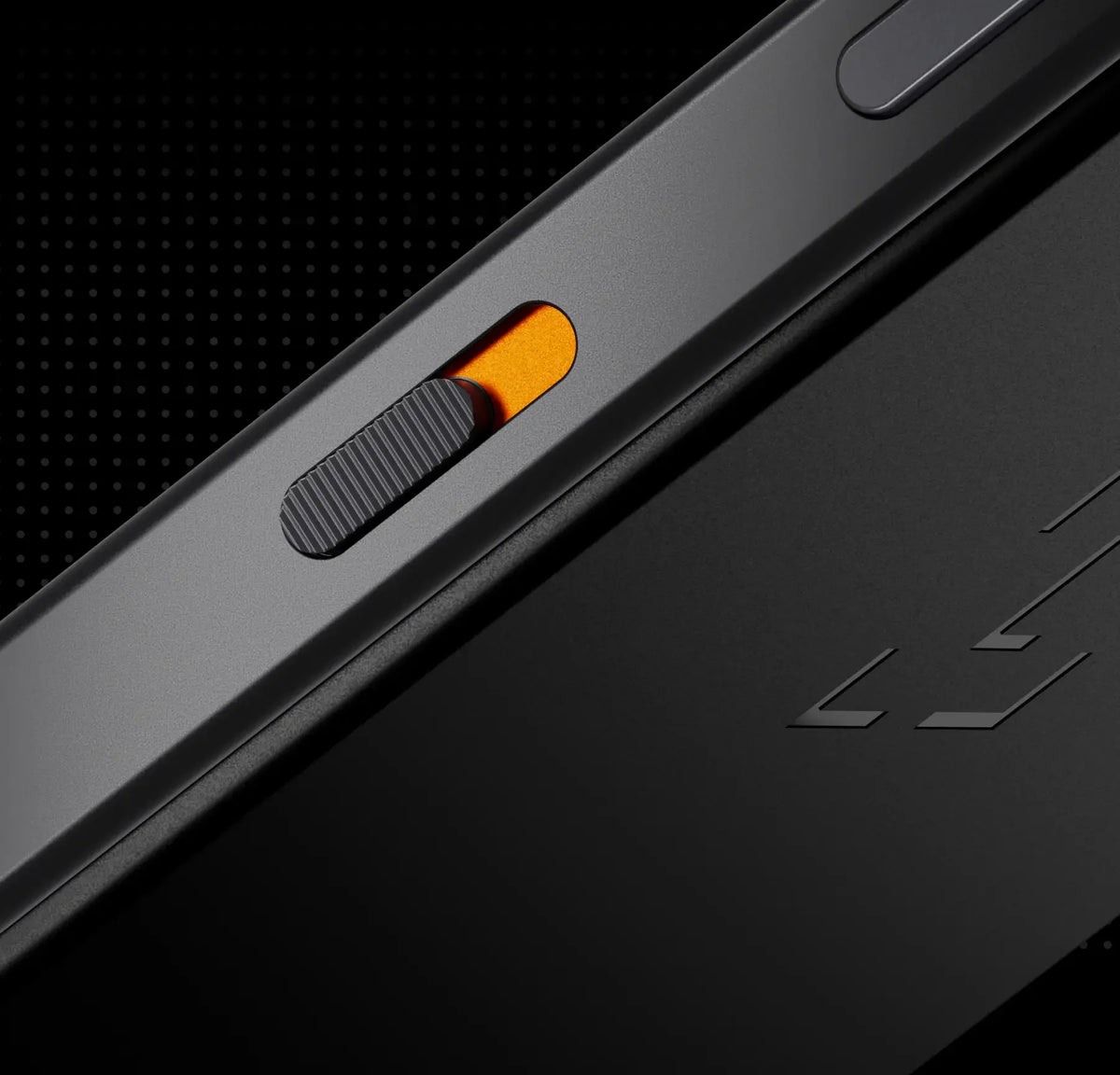
  • Met de fysieke Privacy Switch schakel je camera's en microfoons volledig uit.
  • Je gewone apps en je crypto-beveiliging zitten in één apparaat.
  • Je houdt AI-agents in toom, want elk voorstel moet je zelf goedkeuren.
  • Het is een pre-order: de levering staat gepland voor de zomer van 2027.
  • Je kunt er niet mee bellen of sms'en via het mobiele netwerk en ook niet 112 bellen.
  • Voor mobiele data heb je een eSIM nodig die geschikt is voor apparaten die alleen data gebruiken.

Description

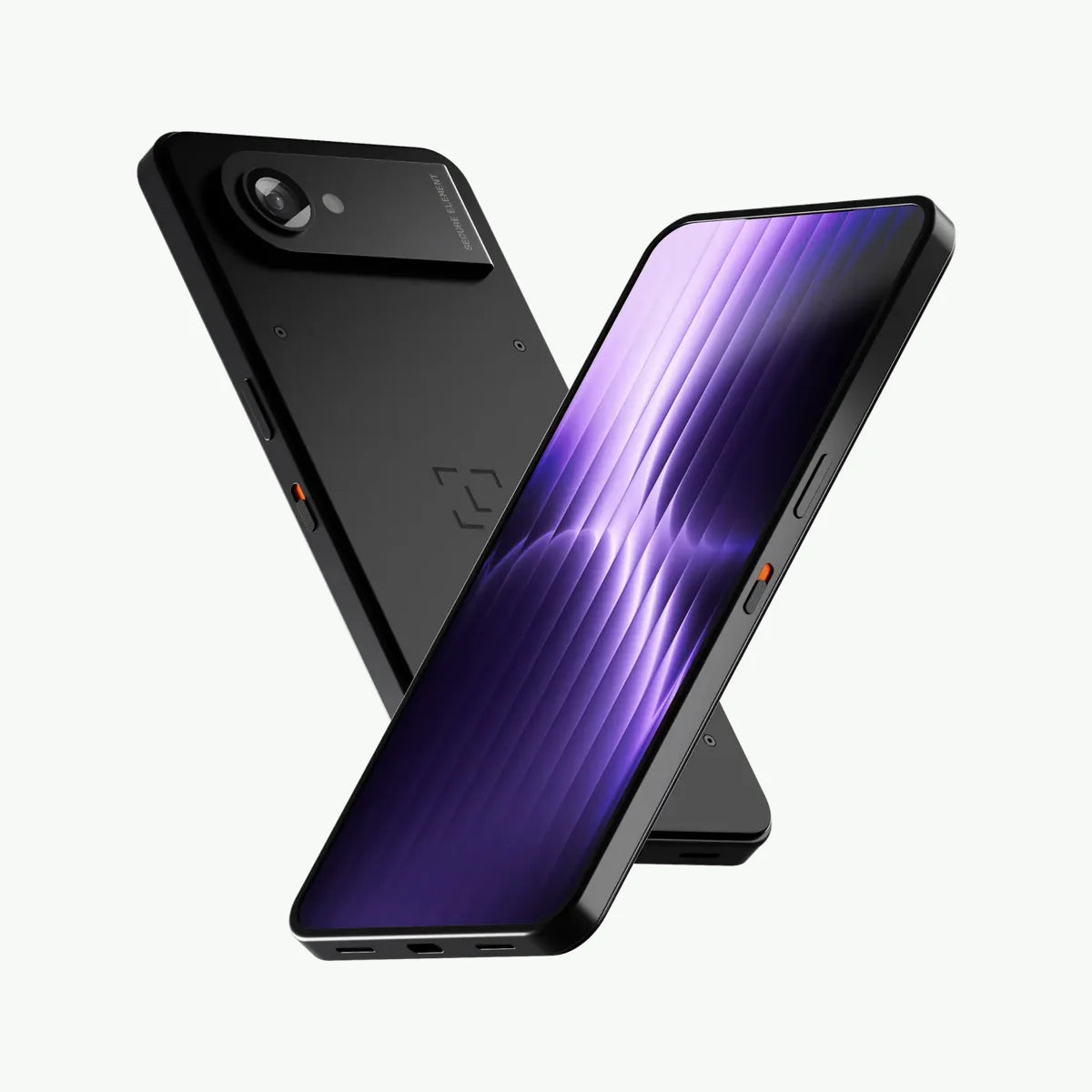
Ledger Atom: alledaagse apps en Ledger-beveiliging in één apparaat

De Ledger Atom is het nieuwste en meest uitgebreide apparaat van Ledger. Het combineert een mobiel apparaat waarop je je gewone apps gebruikt met een afgeschermde Ledger-omgeving voor alles wat met je private keys te maken heeft. Zo heb je het gemak van een smartphone-achtig toestel, en blijven je crypto en gevoelige gegevens beschermd door een Secure Element.

Let op: dit is een pre-order. De Ledger Atom wordt naar verwachting in de zomer van 2027 verzonden.

Twee werelden, strikt gescheiden

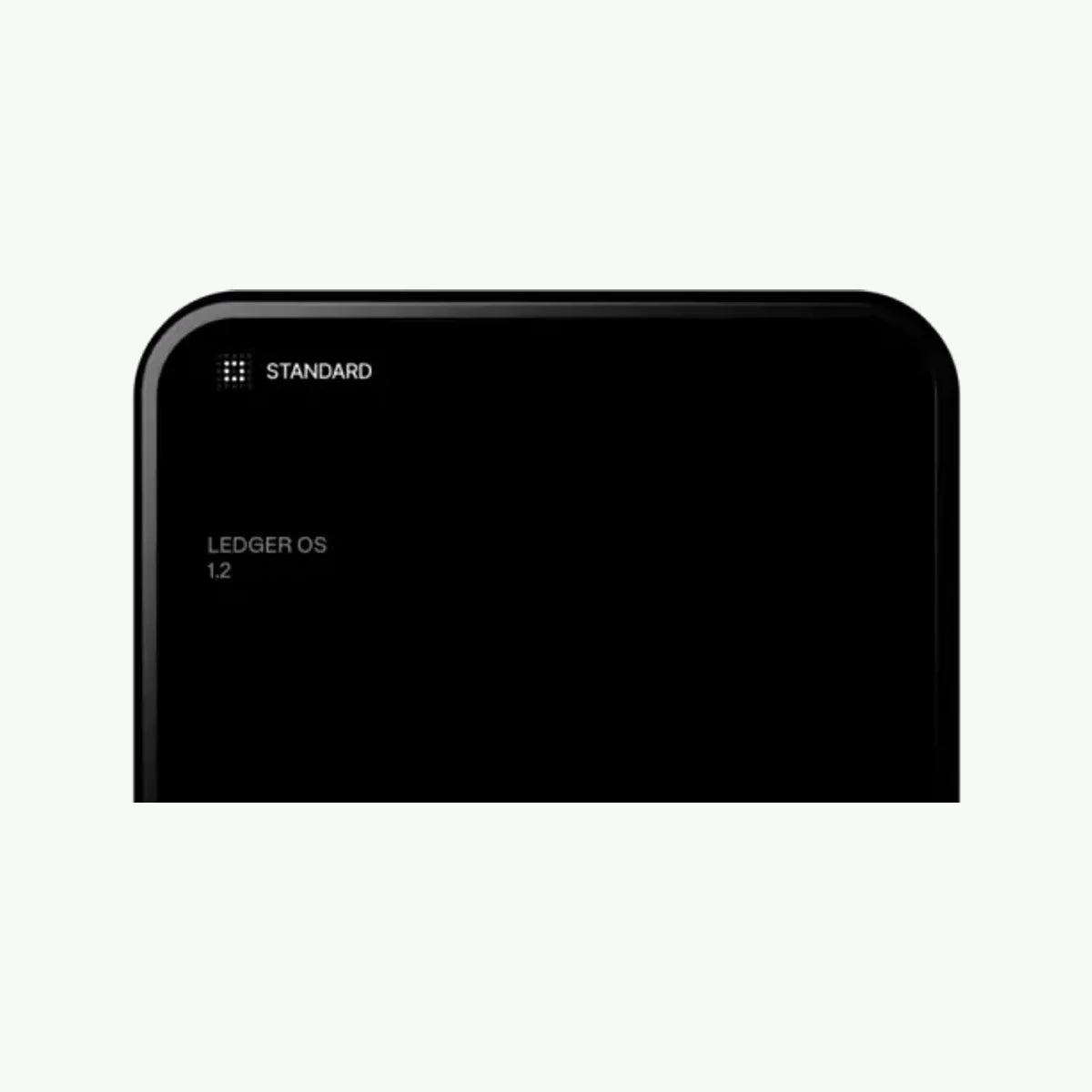
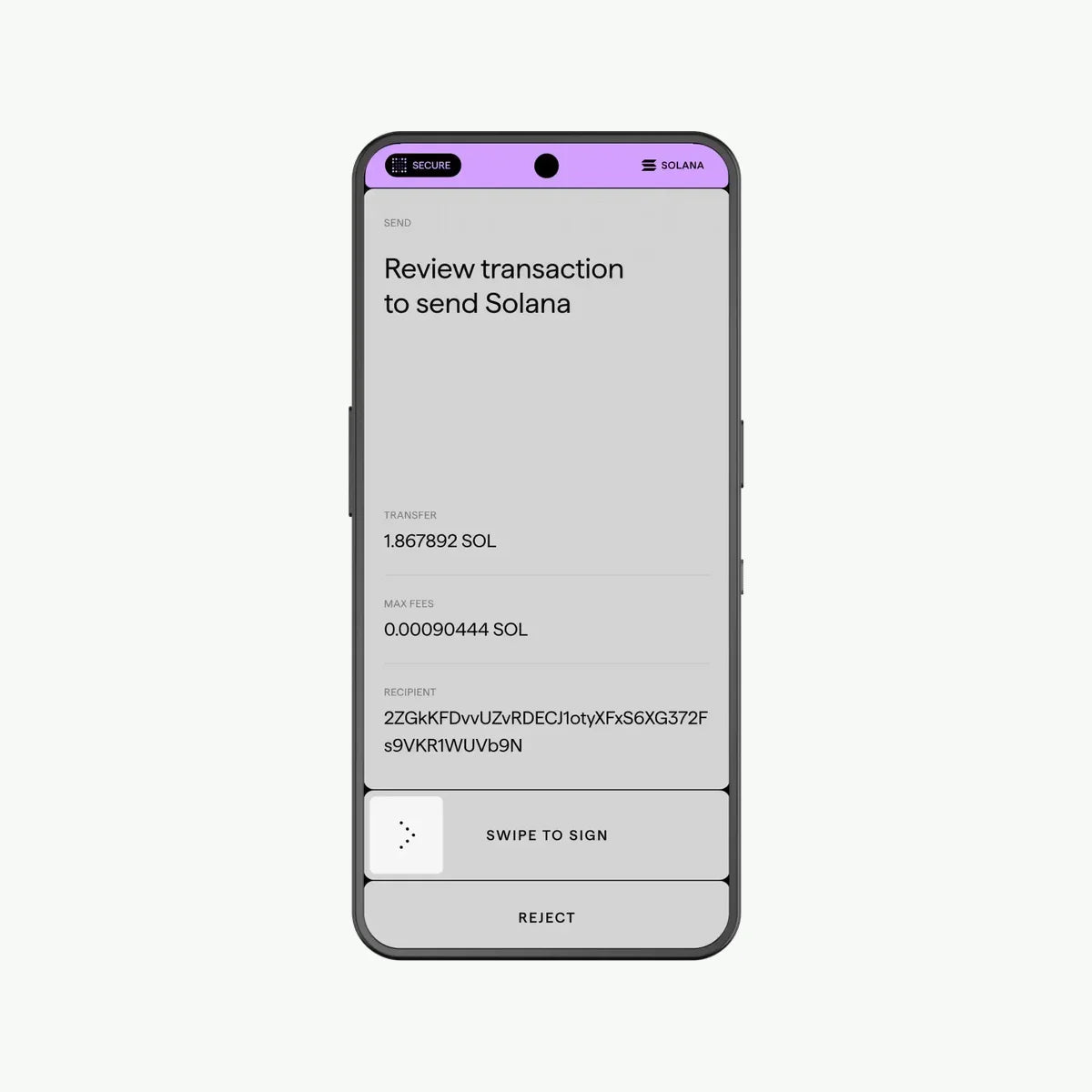
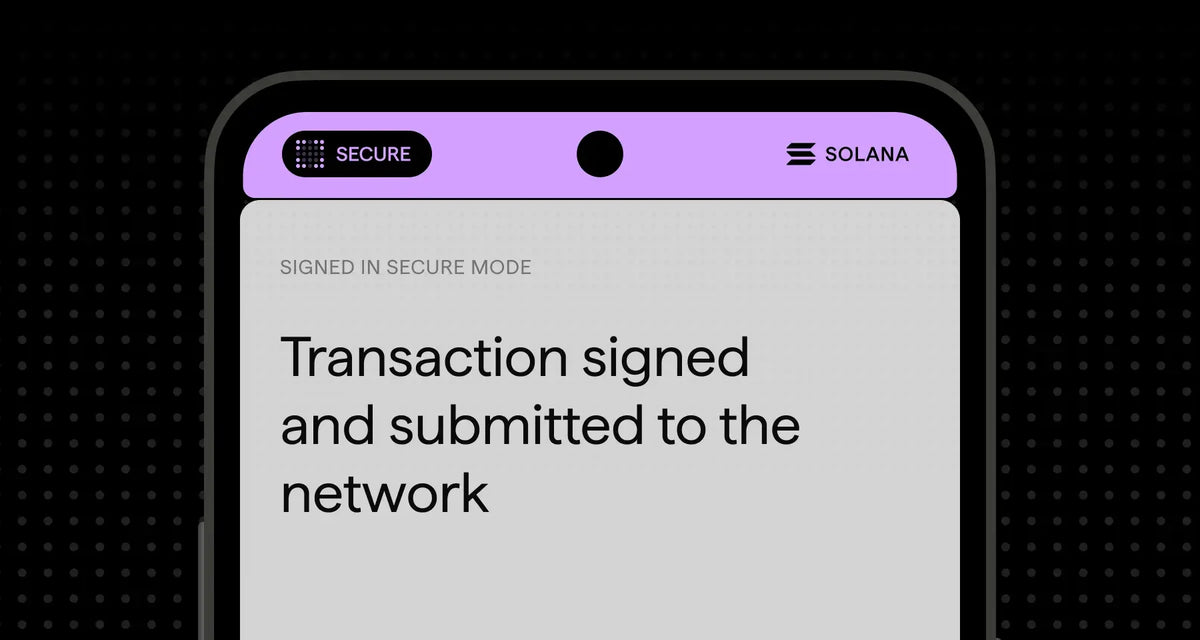
Het apparaat draait op een geharde versie van Android (AOSP) voor je dagelijkse apps. Daarnaast draait er een aparte Ledger OS, die alleen aan de slag gaat als het om iets gevoeligs gaat. Wil je een transactie of betaling goedkeuren? Dan schakelt de Atom automatisch over naar Secure Mode. Ledger OS neemt dan het hele scherm over, en de camera, microfoon en andere sensoren worden uitgeschakeld.

Bovenaan het scherm staat de Secure Bar. Alleen de secure chip kan daar iets op tonen, dus je ziet altijd of je echt in de beveiligde modus zit. Voor gevoelige acties voer je een aparte Ledger OS-pincode in. Die staat los van de ontgrendeling van het gewone deel, waarvoor je een patroon of je vingerafdruk gebruikt.

Beveiliging en privacy

  • Secure Screen: de gecertificeerde Secure Element-chip (CC EAL6+) stuurt het scherm aan, dus wat je ziet is ook echt wat je ondertekent.
  • Privacy Switch: met een fysieke schakelaar koppel je de camera's en microfoons op circuitniveau los.
  • Quantum ready: het apparaat is ontworpen met het oog op post-quantumcryptografie.
  • Fysieke goedkeuring: er gaat geen geld de deur uit zonder dat jij het zelf op het apparaat bevestigt.

Grip op AI-agents

Met Ledger Agent Intent kun je AI-agents koppelen die bijvoorbeeld de markt in de gaten houden, betalingen voorbereiden of transacties voorstellen. Uitvoeren mogen ze niets zonder jou: je bekijkt elk voorstel op het Secure Screen en keurt het goed of af. Je stelt zelf in wat een agent wel en niet mag doen.

Je crypto beheren

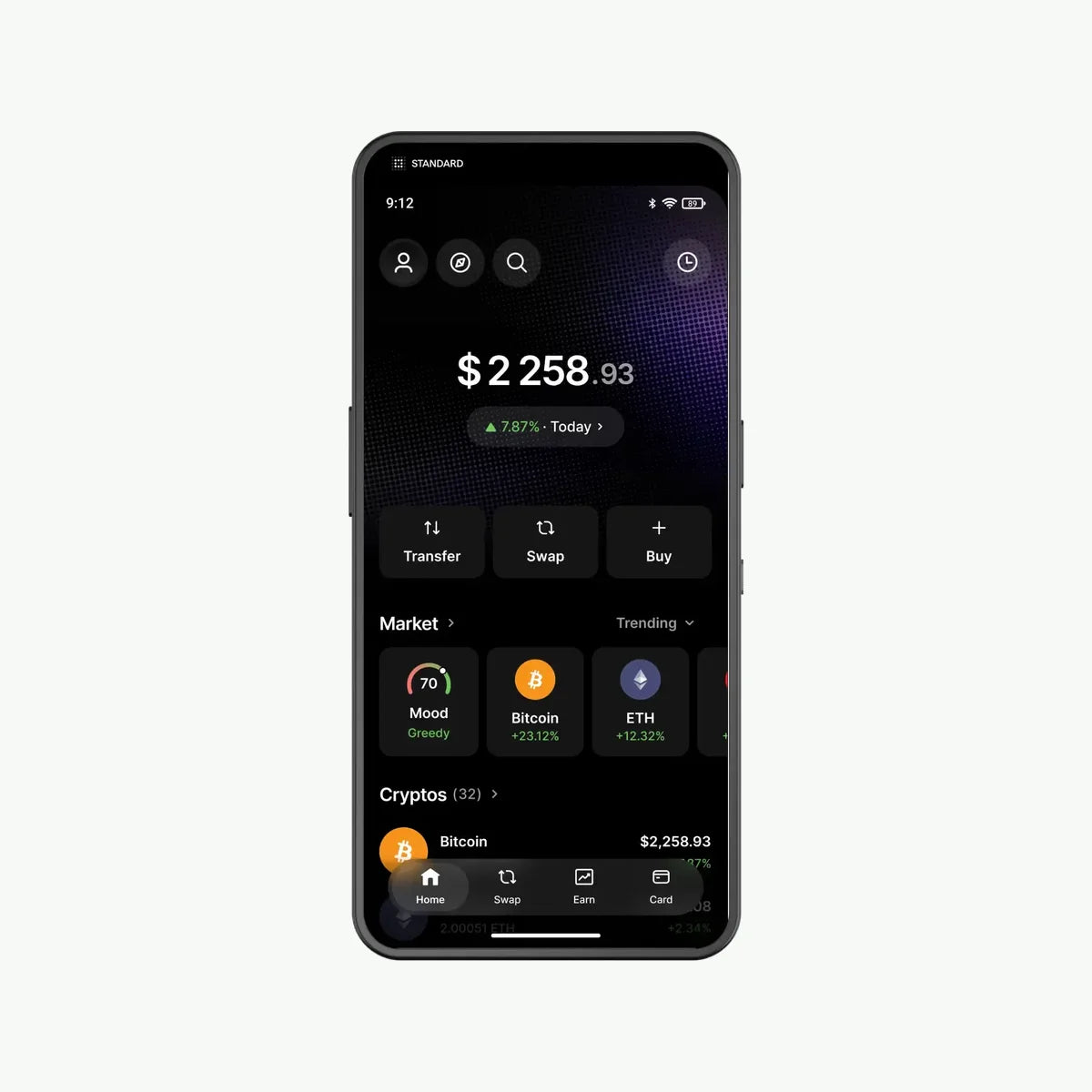
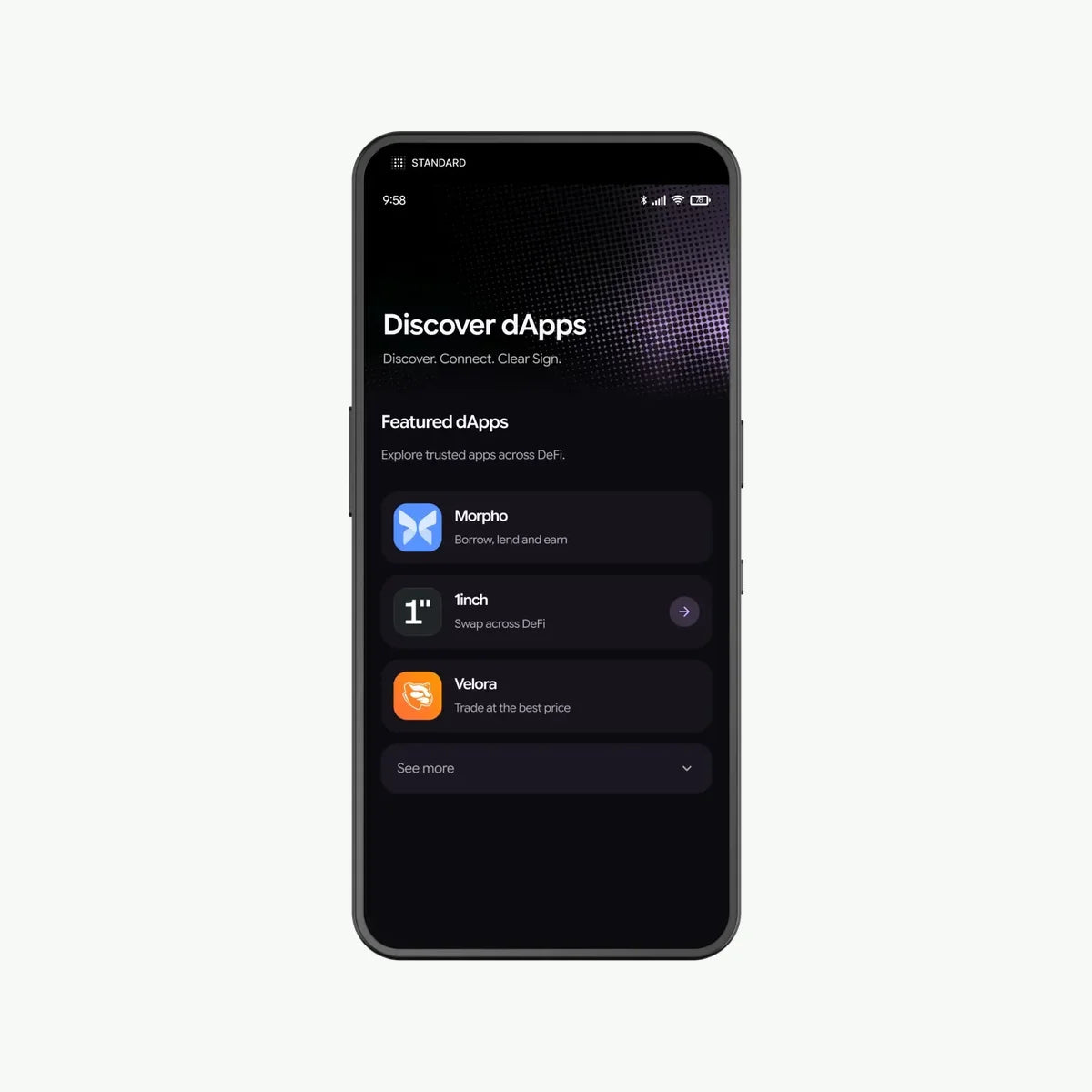
Via Ledger Wallet volg je je portfolio en kun je crypto kopen, swappen, staken, versturen en ontvangen op meer dan 100 blockchains. Die diensten worden door externe partijen geleverd. Met Clear Signing en Transaction Check zie je duidelijk wat een smart contract doet voordat je tekent. Daarnaast kun je de Atom gebruiken voor veilige logins met 2FA/MFA. Versleutelde privéberichten staan op de planning.

Hardware

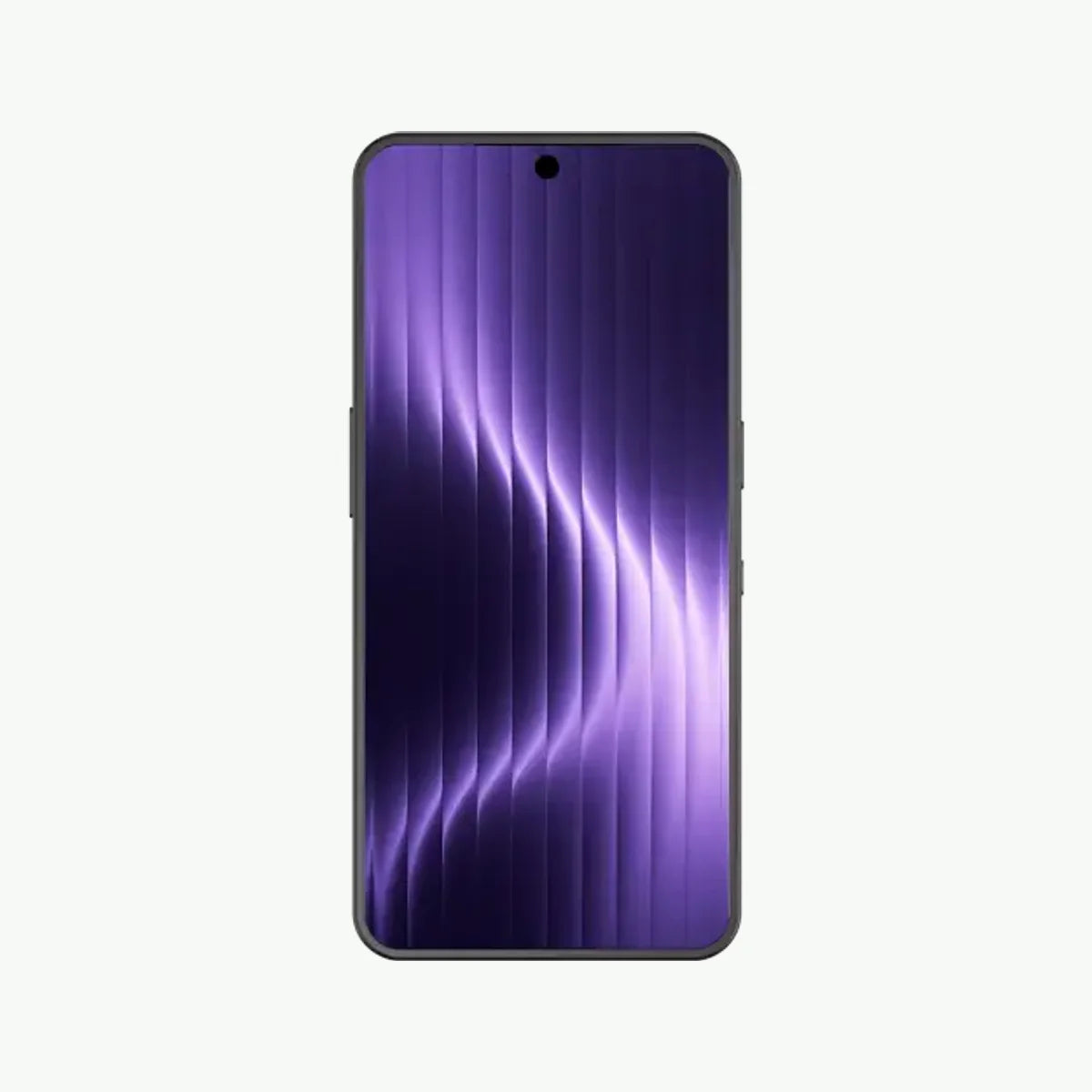
  • 6,8 inch AMOLED-scherm (60 Hz) met Gorilla Glass 3
  • 50 MP camera achter (4K-video op 60 fps) en 32 MP camera voor
  • Vingerafdrukscanner in de aan/uit-knop
  • 4G/5G (alleen eSIM), Wi-Fi 6, Bluetooth, NFC en USB-C
  • Accu van 4.000 mAh
  • Afmetingen 78 x 164 x 9 mm, gewicht 250 gram
  • Reserveonderdelen tot 7 jaar nadat het laatste apparaat is verkocht

Goed om te weten

Ondanks het formaat is de Ledger Atom geen telefoon. Het mobiele netwerk gebruikt hij alleen voor data. Bellen en sms'en via het mobiele netwerk kan dus niet, en ook bellen naar het alarmnummer 112 is niet mogelijk. Voor spraak- of videogesprekken heb je apps van derden nodig die via internet bellen. Niet elke provider biedt eSIM-abonnementen voor apparaten die alleen data gebruiken, dus check dat vooraf bij je provider.

Wil je je crypto en je digitale leven op één veilige plek beheren? Reserveer je Ledger Atom nu, dan hoor je bij de eersten die hem krijgen.

Officiële website

Way of connecting Way of connecting

Hardware wallets can connect to your devices in a variety of ways to sign and manage transactions. The choice of connection method affects usability, security, and compatibility. Below we explain the most common connection methods: NFC , Air-Gapped , USB-C , and Bluetooth .

Method Advantages Disadvantages Ideal for
1. NFC Handy, no cables Limited security Smartphone users
2. Air-Gapped Maximum safety Less user friendly Security-conscious users (long-term)
3. USB-C Reliable, stable Less portable PC users, reliable setups
4. Bluetooth Flexible, wireless More vulnerable to hacking Mobile users

1.NFC (Near Field Communication)

What is it?
NFC is a wireless communications technology that allows devices to exchange data over short distances (usually less than 10 cm).

How does it work?
The hardware wallet communicates with an NFC-compatible smartphone or other device by holding it close.

Advantages:

  • Quick and easy connection.
  • No cables required, making it convenient for mobile use.

Disadvantages:

  • Limited to devices with NFC support.
  • Possibly less secure than air-gapped solutions, as it uses wireless communication.

Suitable for : Users who seek convenience and manage transactions primarily on a smartphone.

2. Air-Gapped (Completely Offline)

What is it?
An air-gapped wallet does not connect directly to another device via cables or wireless technology. Communication occurs via QR codes or physical storage media, such as SD cards.

How does it work?
Transactions are prepared offline on a device (e.g. smartphone), after which they are transferred to the wallet via QR codes or files.

Advantages:

  • Extremely secure, as there is no direct contact with networks or other devices.
  • Protected against online attacks such as hacking or malware.

Disadvantages:

  • May be less user-friendly due to the additional steps required to complete transactions.
  • Less suitable for users looking for speed and convenience.

Suitable for: Users who value maximum security above all else. Also very suitable for long-term investors.

3. USB-C

What is it?
USB-C is a physical connection via a cable between the hardware wallet and a computer or smartphone. It is a widely used standard known for its fast data transfer and broad compatibility.

How does it work?
The hardware wallet connects to a compatible device via a USB-C cable.

Advantages:

  • Very stable connection, ideal for long-term use.
  • No wireless communication, which makes it more secure against certain attacks.
  • Suitable for use with both PCs and modern smartphones.

Disadvantages:

  • Limited by the physical cable; less portable and flexible.
  • Requires that the connected device is secure and malware-free.

Suitable for: Users looking for a reliable and secure connection without wireless technology.

4. Bluetooth

What is it?
Bluetooth is a wireless technology that allows devices to exchange data over short distances.

How does it work?
The hardware wallet connects to a smartphone or computer via a Bluetooth connection.

Advantages:

  • No cables required, ideal for mobile use.
  • Suitable for users who value convenience and flexibility.

Disadvantages:

  • Wireless communications can be susceptible to hacking if poorly implemented.
  • Depending on battery life of both devices.

Suitable for: Users who want convenience and manage transactions on the go.

  • USB-C
  • Bluetooth
  • NFC
  • Wi-Fi
  • 4G/5G (eSIM)
Features Features

Modern hardware wallets offer more than just storing and securing your cryptocurrency. Many wallets come equipped with additional features that make managing and expanding your digital assets easier. Below we explain the most important functions: swap , buy , stake , and sell , and how they enrich the use of your hardware wallet.

Swap (Exchange)

What is it?
The ability to instantly exchange between different cryptocurrencies without using a third-party exchange.

How does it work?
For example, via integrated services in the hardware wallet you can exchange Bitcoin for Ethereum or other supported coins.

Advantages:

  • No need to transfer crypto to an exchange, keeping your assets safer.
  • Time-saving and user-friendly.

Suitable for: Users who want to actively trade or diversify their portfolio without the risks of external platforms.

Buy (Buy)

What is it?
The ability to purchase cryptocurrency directly through the hardware wallet.

How does it work?
The wallet is connected to services that allow you to buy crypto via bank transfers, credit cards, or other payment methods.

Advantages:

  • Buy crypto easily and securely, directly to your wallet.
  • No third party needed for initial purchase.

Suitable for: Beginners and users who want to buy crypto directly without external exchanges.

Stake (Bet)

What is it?
A process where you stake your crypto to support the network and earn rewards.

How does it work?
The wallet directly supports staking services that allow you to lock assets such as Ethereum or Cardano into the network.

Advantages:

  • Generate passive income by participating in the network.
  • No additional software or services needed; everything happens through the wallet.

Suitable for: Users who want to grow their assets without actively trading.

Sell ​​(Sell)

What is it?
The ability to sell crypto directly from the wallet and convert it to fiat currency (such as euros or dollars).

How does it work?
Through connected services, you can sell your crypto and have the proceeds sent directly to your bank account.

Advantages:

  • Fast and secure way to liquidate crypto.
  • No external exchange required, which is easier and more secure.

Suitable for: Users who want to quickly convert their crypto to traditional currencies.

  • Crypto kopen
  • Staking
  • Coins swappen
Touch screen

Ja