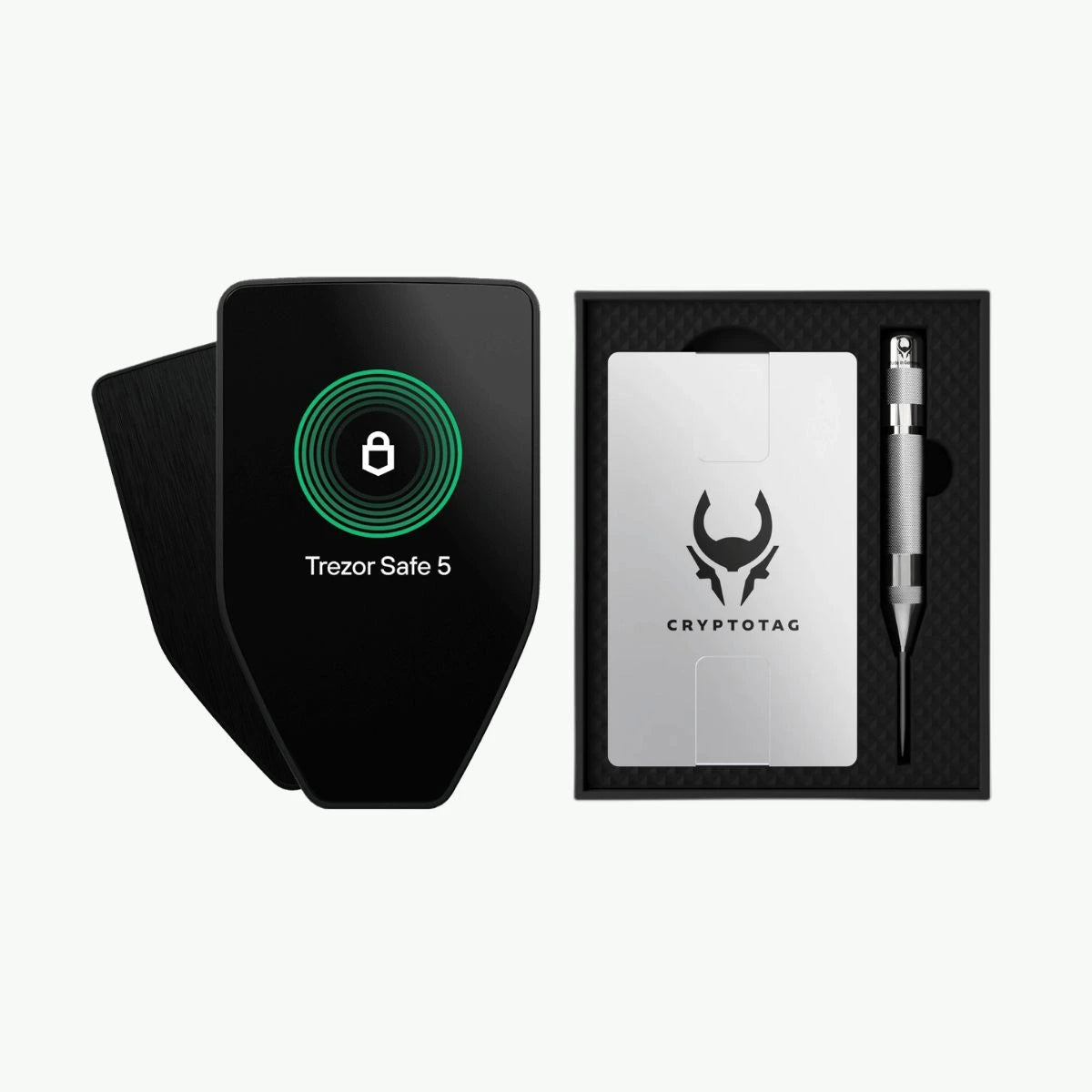
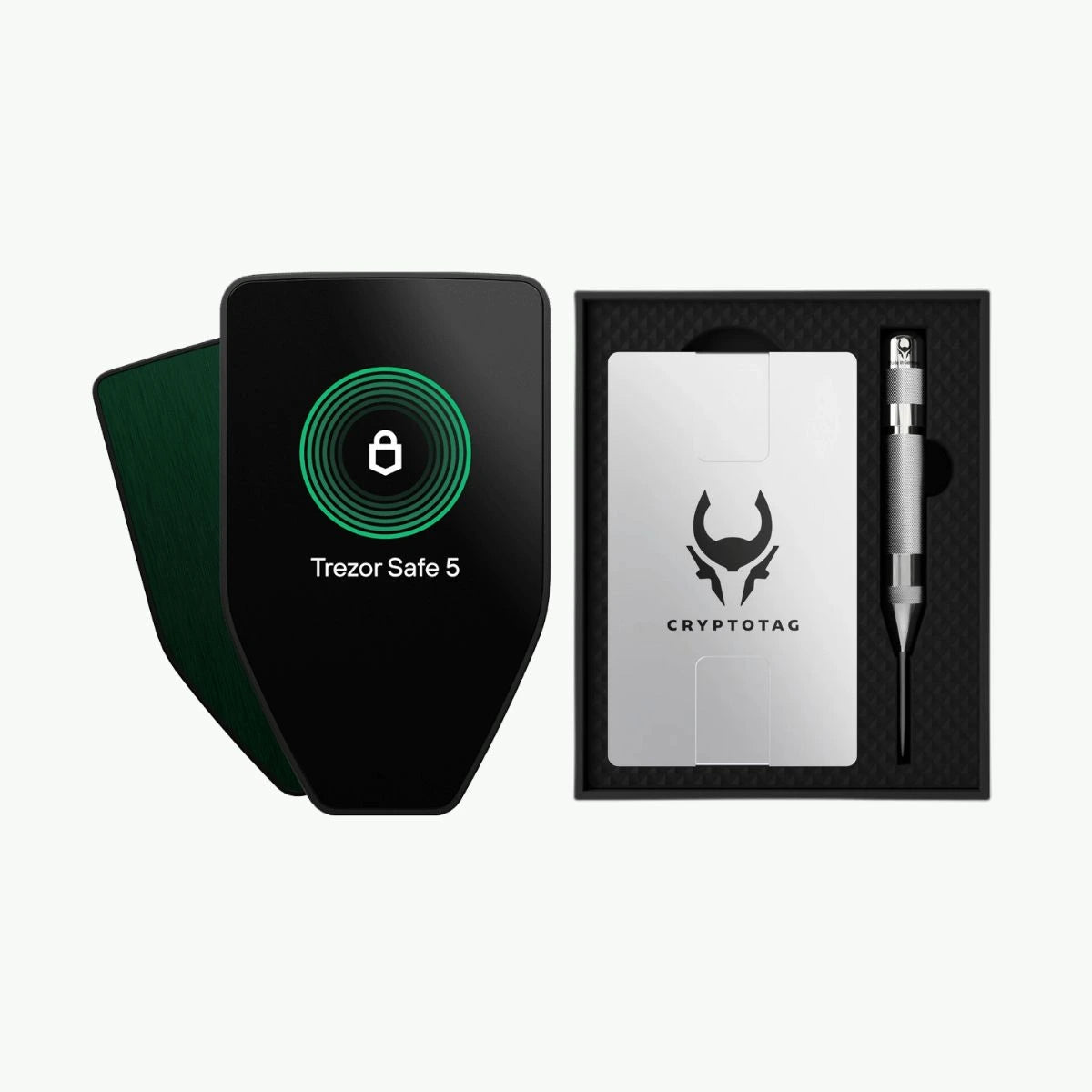
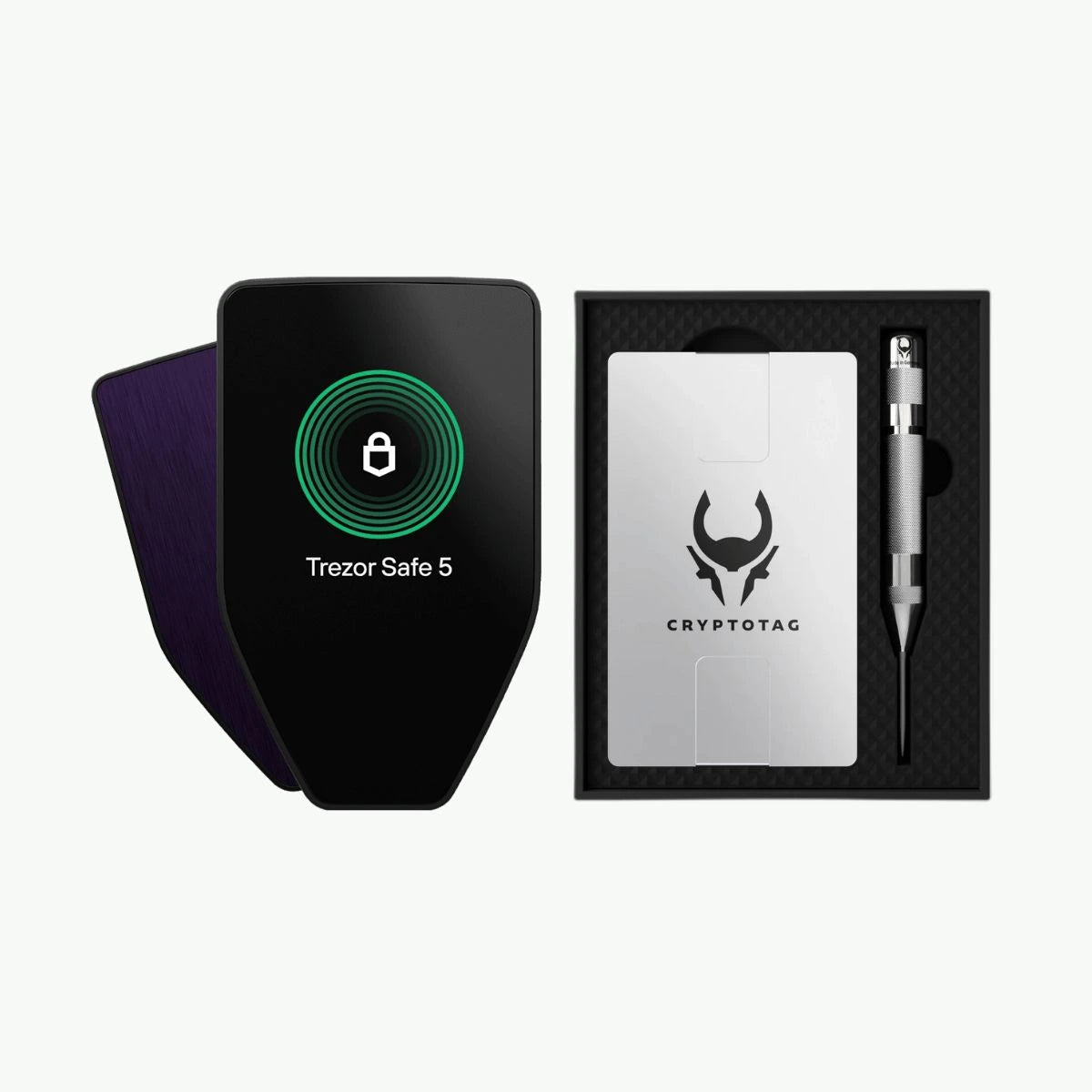
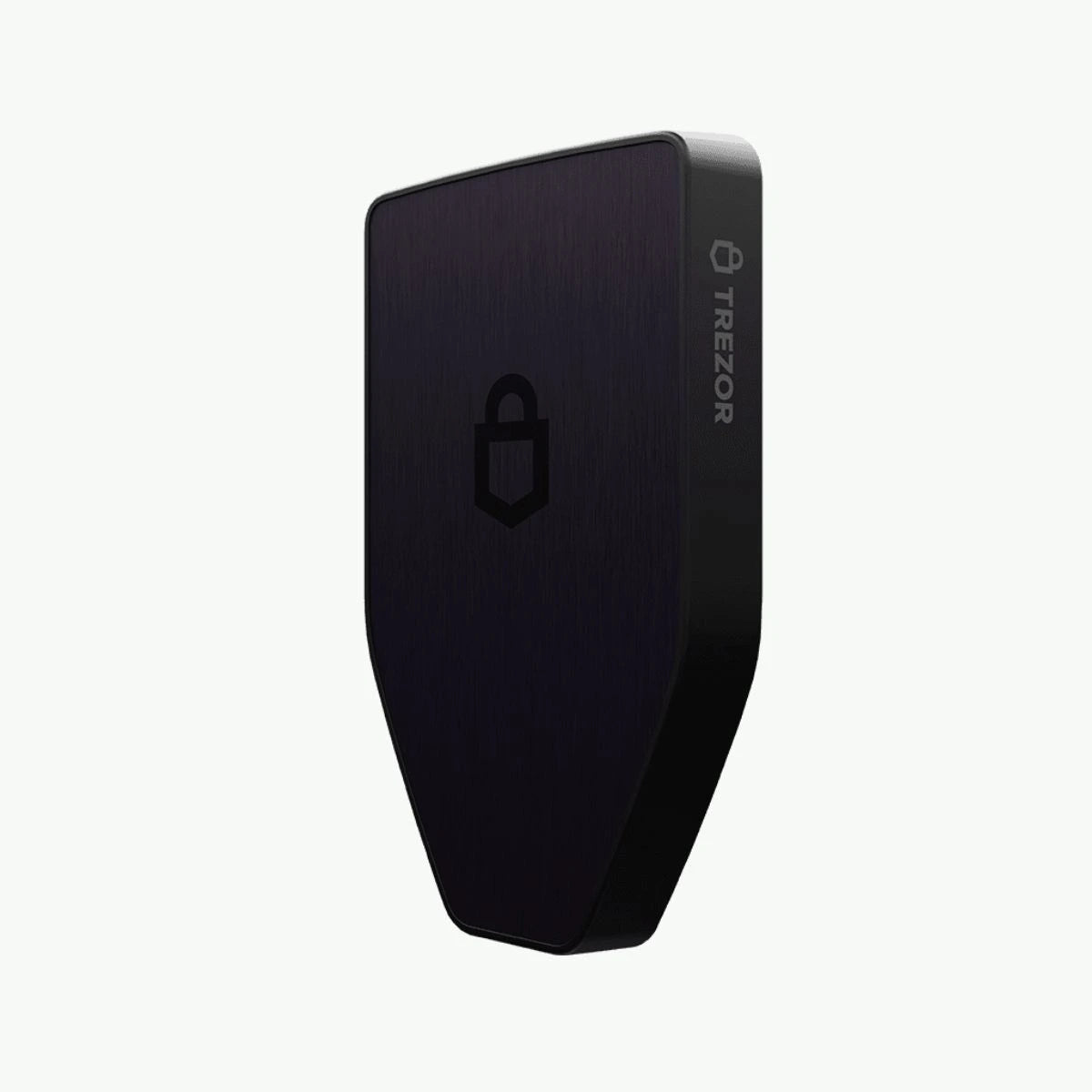
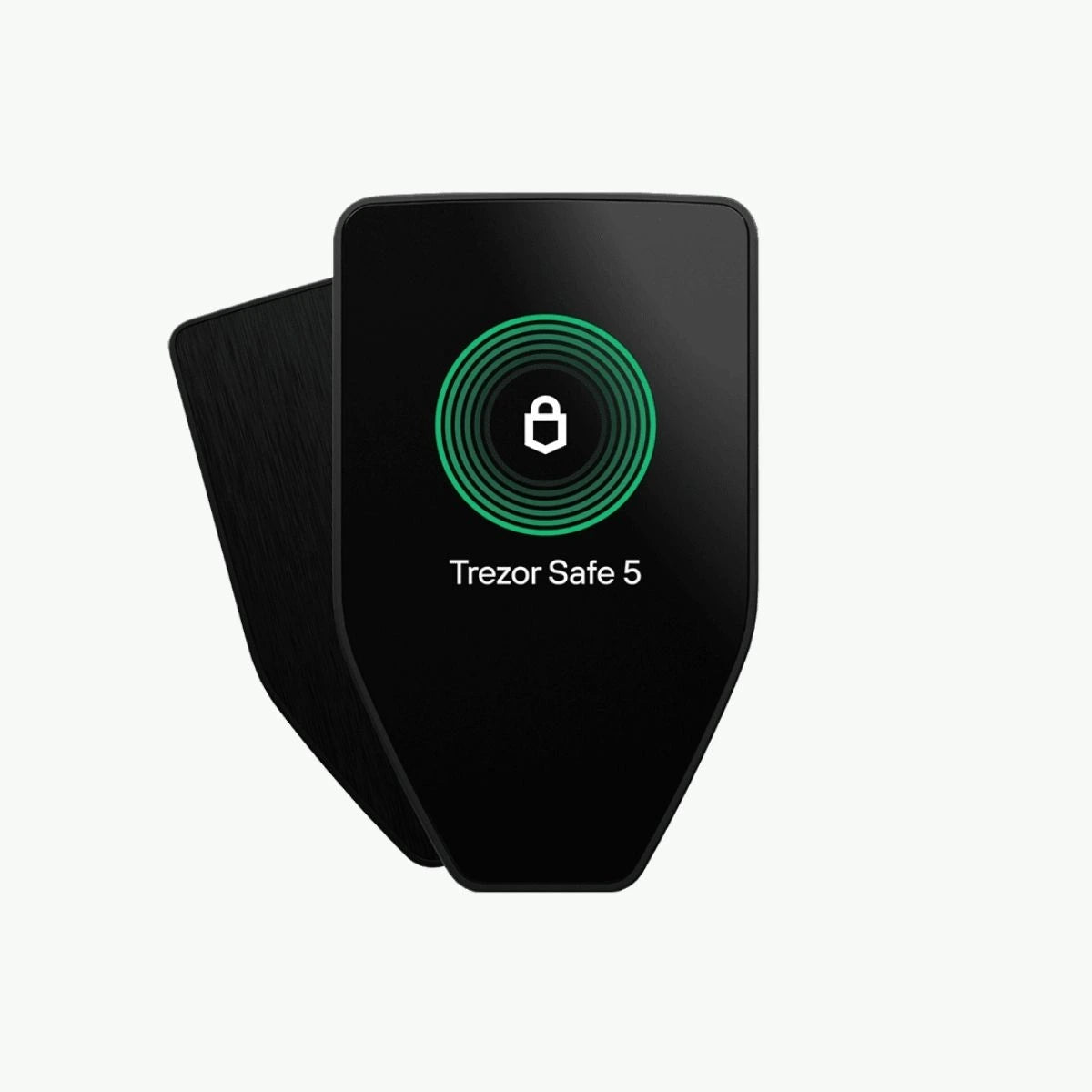
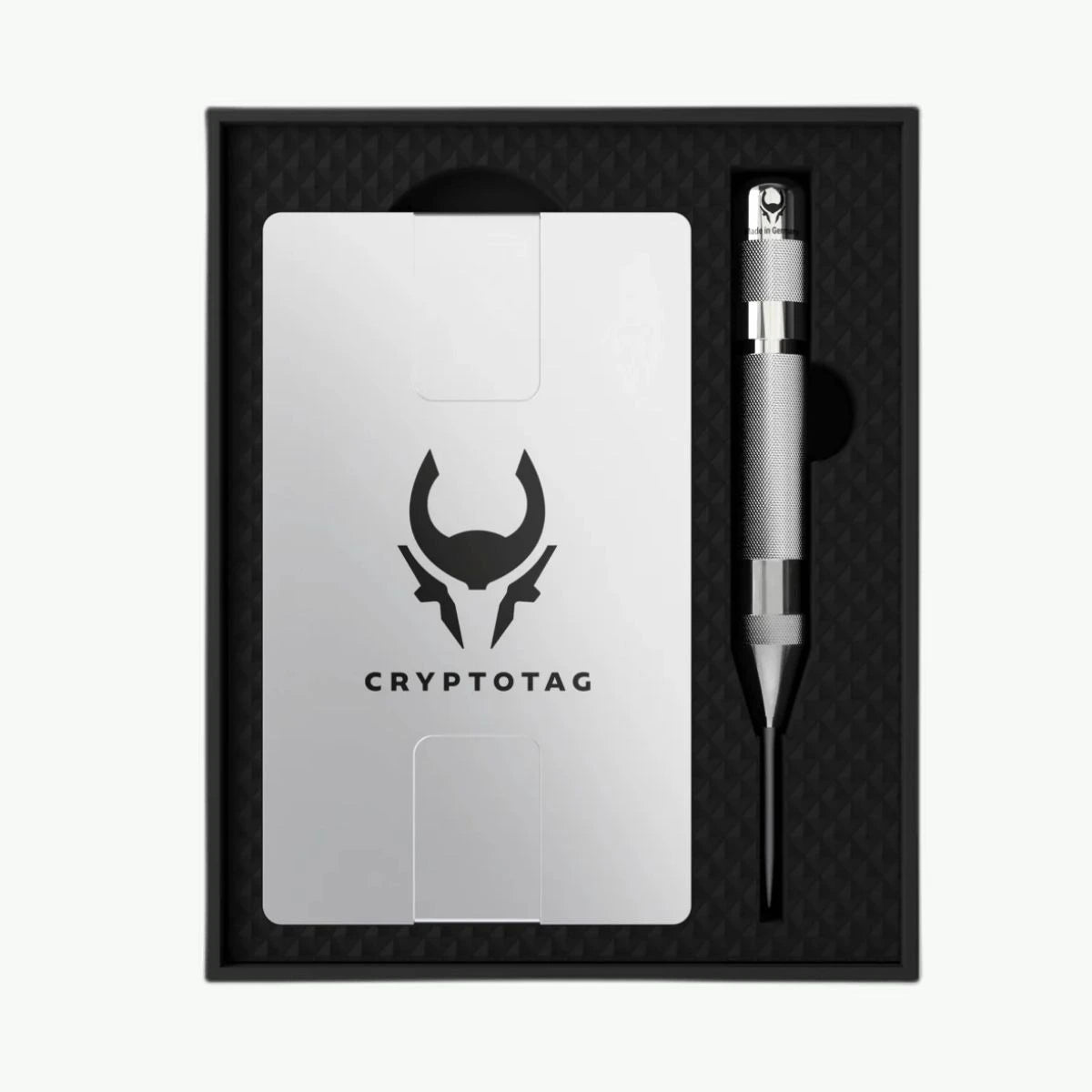
Trezor Safe 5 + Cryptotag Zeus Bundle

Sale price€268,55 Regular price€308,99
Save €40,44

Colour: Black Graphite
Only 2 units left: ordered on working days before 17:00, shipped today Delivery time & shipping costs

In stock / Ordered before 5pm, shipped today*
Products with the above inventory status ordered on weekdays before 5:00 PM will be shipped the same day. All orders placed on Saturday or Sunday will be shipped on Monday.

In stock soon / New stock expected
Products with this status are out of stock, but are expected back in stock shortly. You can still order these products, and the entire order will be shipped once all items are in stock.

Sold out
We don't expect these products to be back in stock anytime soon. Please contact us if you're interested.

Delivery time & shipping costs per country

At Cryptoken, we aim to process and ship your order as quickly as possible. Please note that the delivery time may vary depending on your location and any unforeseen circumstances.

Country Order under €60 / from €60 Expected delivery time
Netherlands €4.95 / Free Ordered on working days before 17:00 = shipped the same day. In the Netherlands usually delivered the next working day; letterbox parcels within 1–2 working days.
Belgium €6.95 / Free 1 - 2 working days
Zone 1* €8.95 / Free 3 - 6 working days
Zone 2* €8.95 / Free 4 - 8 working days
Zone 3* €8.95 / Free 5 - 10 working days
*Zone 1: Denmark, Germany, Finland, France, Ireland, Austria, Sweden
*Zone 2: Hungary, Italy, Poland, Portugal, Slovakia, Spain, Czech Republic
*Zone 3: Bulgaria, Cyprus, Estonia, Greece, Croatia, Latvia, Lithuania, Luxembourg, Malta, Romania, Slovenia

Shipping options

Free shipping from €60 applies to the standard method (PostNL, including PostNL point or parcel locker and letterbox parcel). For the insured shipping options, a reduced rate applies from €60.

  • PostNL point or parcel locker (Netherlands and Belgium): instead of home delivery, you can have your parcel delivered to a PostNL point or parcel locker at the same rate as standard shipping (€4.95 in the Netherlands, €6.95 in Belgium; free from €60). After payment, you can select a pickup point. This option is not available for letterbox parcels in the Netherlands.
  • Letterbox parcel (Netherlands): products that fit through the letterbox are shipped as a PostNL letterbox parcel for €4.95 (free from €60), with a delivery time of 1–2 working days.

Insured shipping (Zone 1, 2 and 3): in addition to standard shipping via PostNL, you can choose insured shipping for destinations in Zone 1, 2 and 3:

Shipping method Order under €60 / from €60 Expected delivery time
PostNL (standard) €8.95 / Free Zone 1: 3–6 · Zone 2: 4–8 · Zone 3: 5–10 working days
PostNL Insured €11.95 / €2.95 Zone 1: 3–6 · Zone 2: 4–8 · Zone 3: 5–10 working days
DHL Insured €19.95 / €11.95 Zone 1: 2–4 · Zone 2: 3–5 · Zone 3: 3–6 working days

Shipping via PostNL

We ship via PostNL as standard, a reliable partner for delivering your orders. PostNL offers excellent service and ensures safe and fast delivery of your parcels. If you choose DHL Insured, your parcel will be delivered by DHL. You will receive a track & trace code that lets you follow the status of your order.

Do you have any questions about our delivery times or shipping costs? Feel free to contact us at info@cryptoken.nl. We are happy to help!

Pros and cons

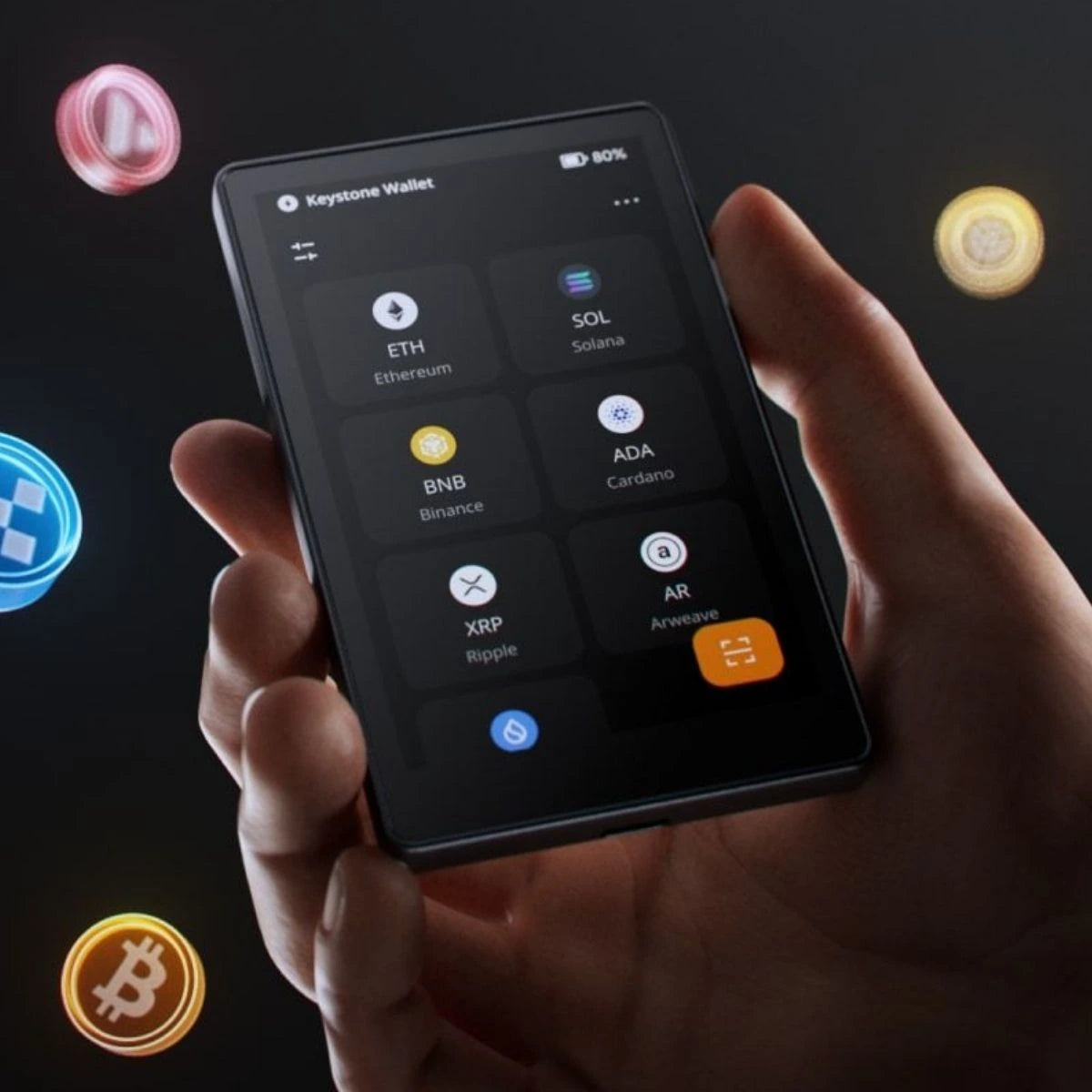
  • Supports over 8000 coins & tokens
  • Gorilla glass, scratch resistant
  • Enhanced security system: ND-Free EAL6+
  • Completely open source
  • Limited strike

Description

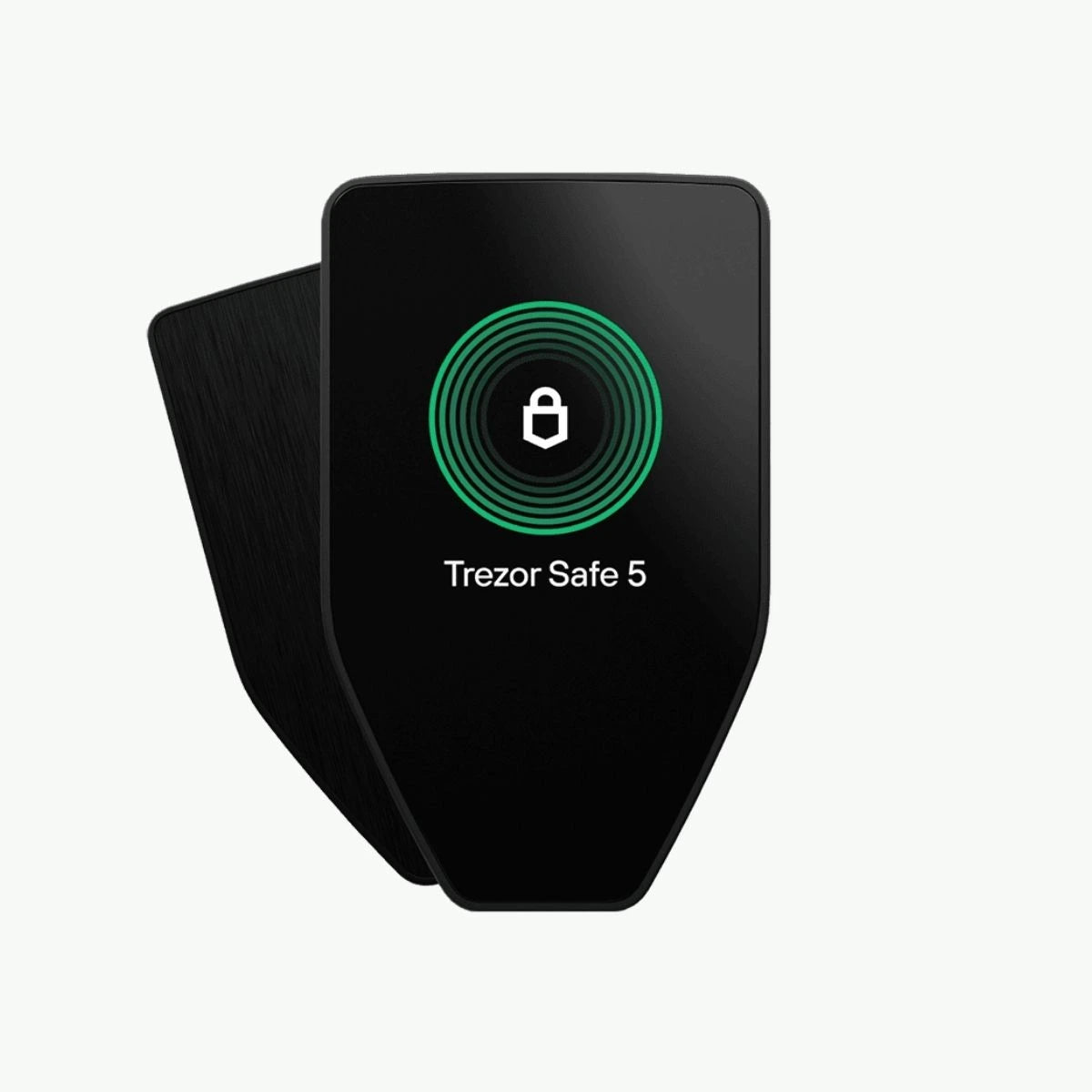
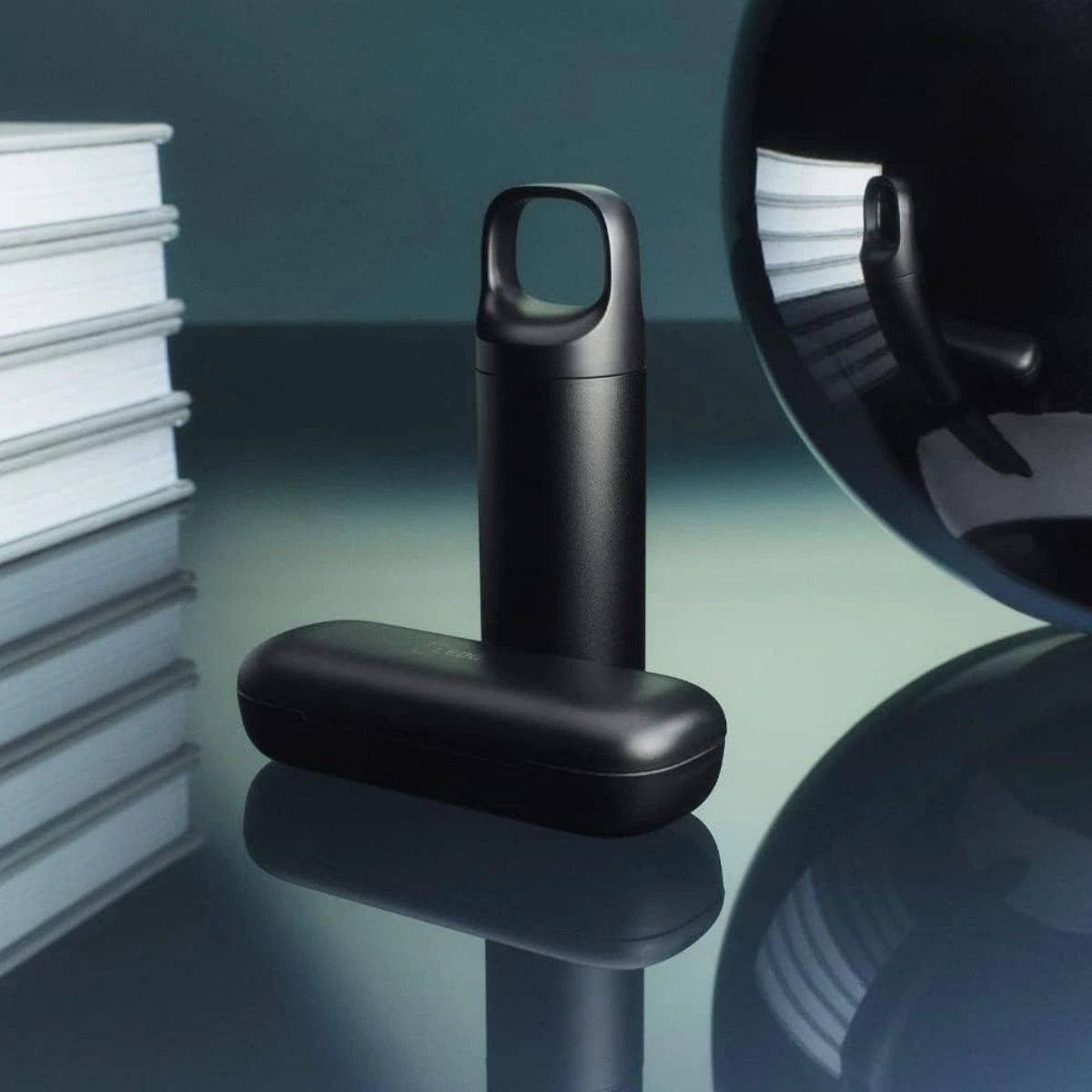
The Trezor Safe 5 and Cryptotag Zeus value bundle offers the perfect combination of advanced security and durability for managing your cryptocurrency. This bundle is designed for both beginner and experienced crypto users looking for the highest level of security for their digital assets.

Advanced security with the Trezor Safe 5

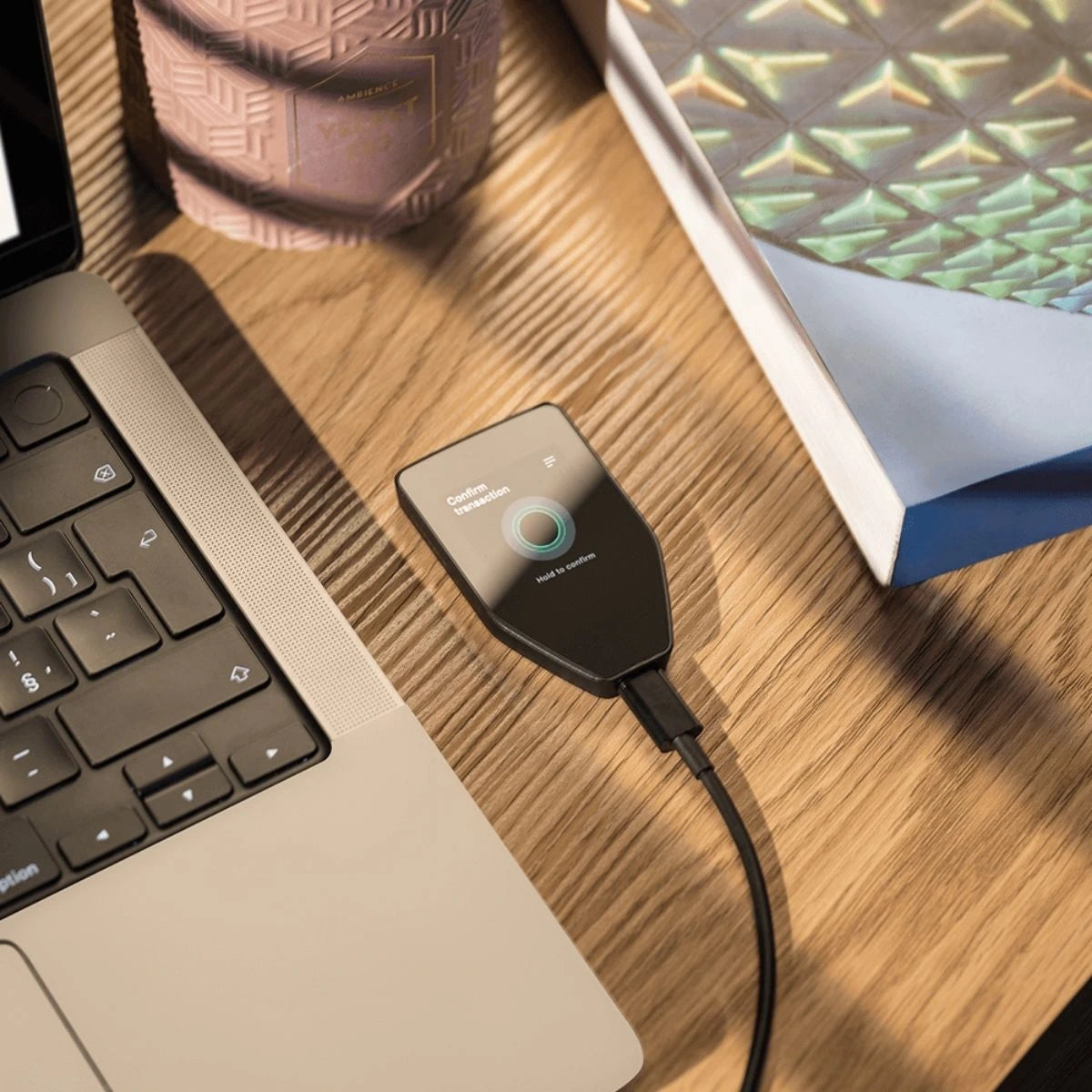
The Trezor Safe 5 is the latest generation of hardware wallets, combining security and ease of use. Equipped with a vivid touchscreen and the Trezor Touch haptic engine, this wallet offers an intuitive navigation experience. The open-source technology behind the Trezor Safe 5 is based on more than ten years of security and privacy development, so you are assured of the highest standard in crypto protection.

With an NDA-free EAL 6+ Secure Element and PIN and passphrase protection, the Trezor Safe 5 offers robust protection against both online and offline threats. This makes it the ultimate hardware wallet for anyone who wants to manage and store their crypto assets securely.

Seamless integration with the Trezor ecosystem

The Trezor Safe 5 works seamlessly with the entire Trezor ecosystem, including user-friendly desktop and mobile apps. This makes managing, buying and swapping cryptocurrencies easy and efficient. You can also use various third-party services via the wallet, so you can tailor your crypto experience to your personal preferences.

The Cryptotag Zeus – indestructible seed phrase protection

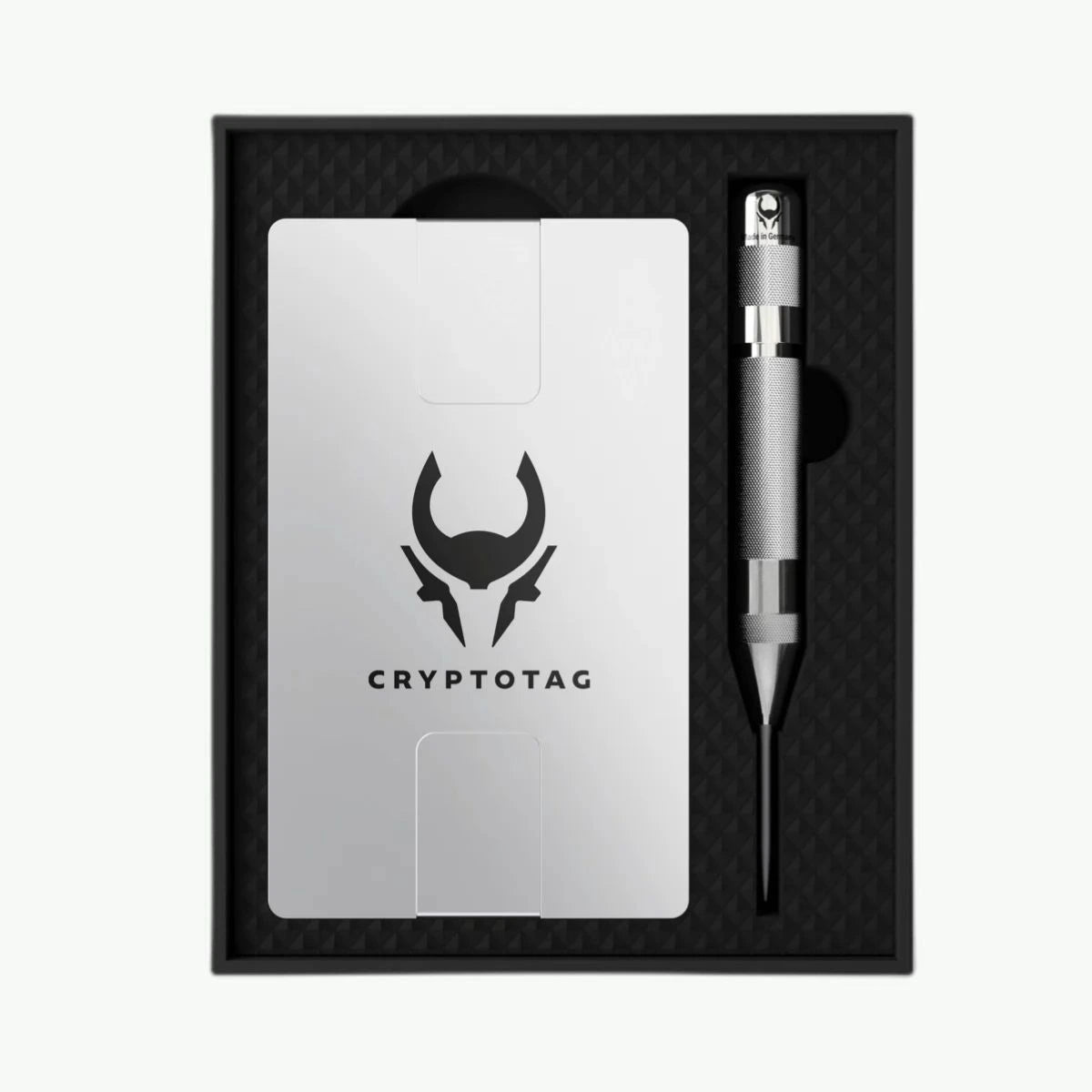
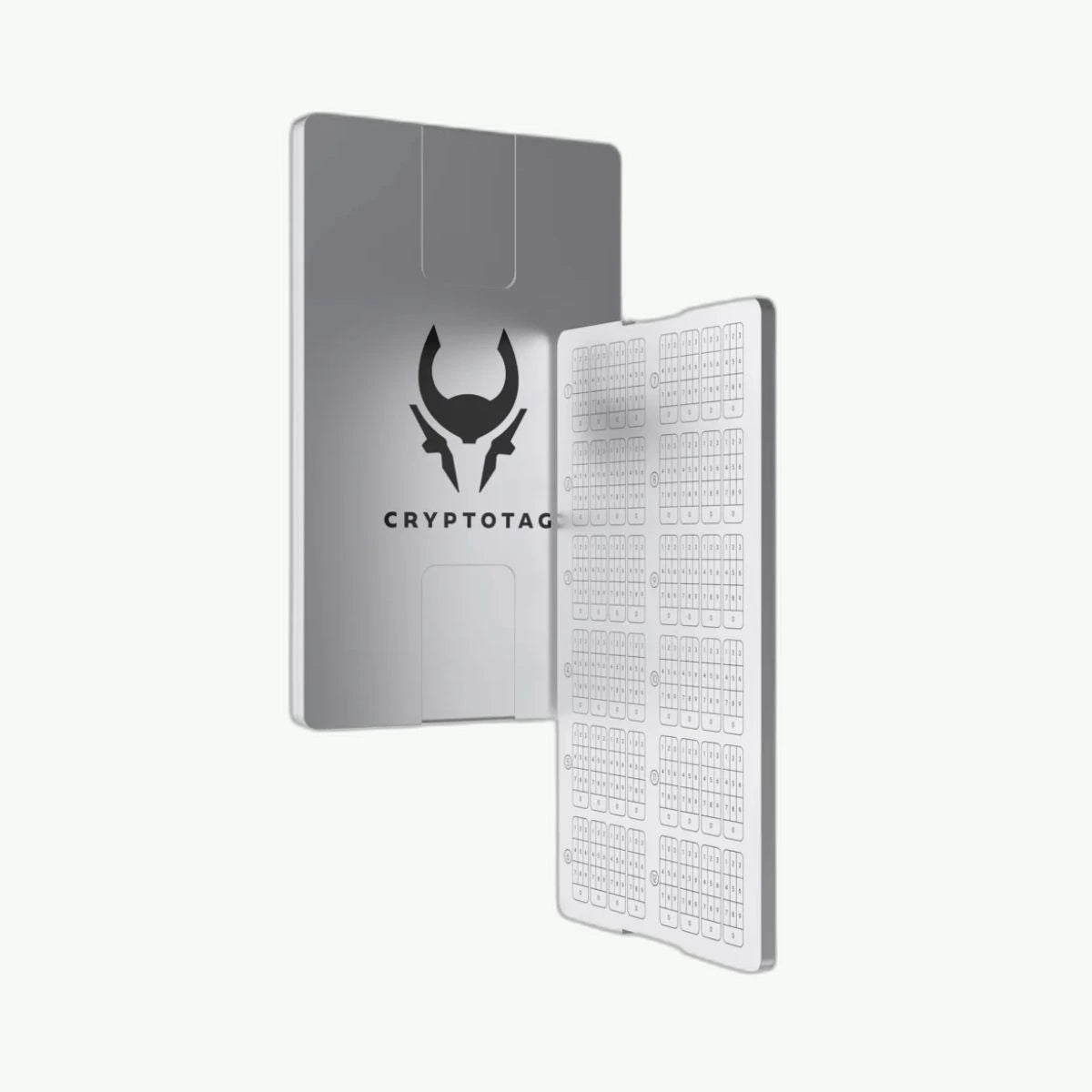
The Cryptotag Zeus Starter Kit offers a premium solution for storing your seed phrase. Made of high-quality titanium, it is resistant to heat, corrosion and high pressure, so your seed phrase is optimally protected against every conceivable hazard. The Cryptotag Zeus is compatible with all BIP39 wallets, such as Ledger, Trezor, MetaMask and Trust Wallet, and provides a safe and durable backup for your recovery phrase.

With the Cryptotag kit you can engrave your seed phrase onto the titanium plates quickly and easily. The kit contains everything you need, including a center punch, matches, earplugs, an installation guide and a BIP39 word list. This keeps the process simple and ensures maximum protection of your crypto investments.

In the box

  • Trezor Safe 5
  • Cryptotag Zeus
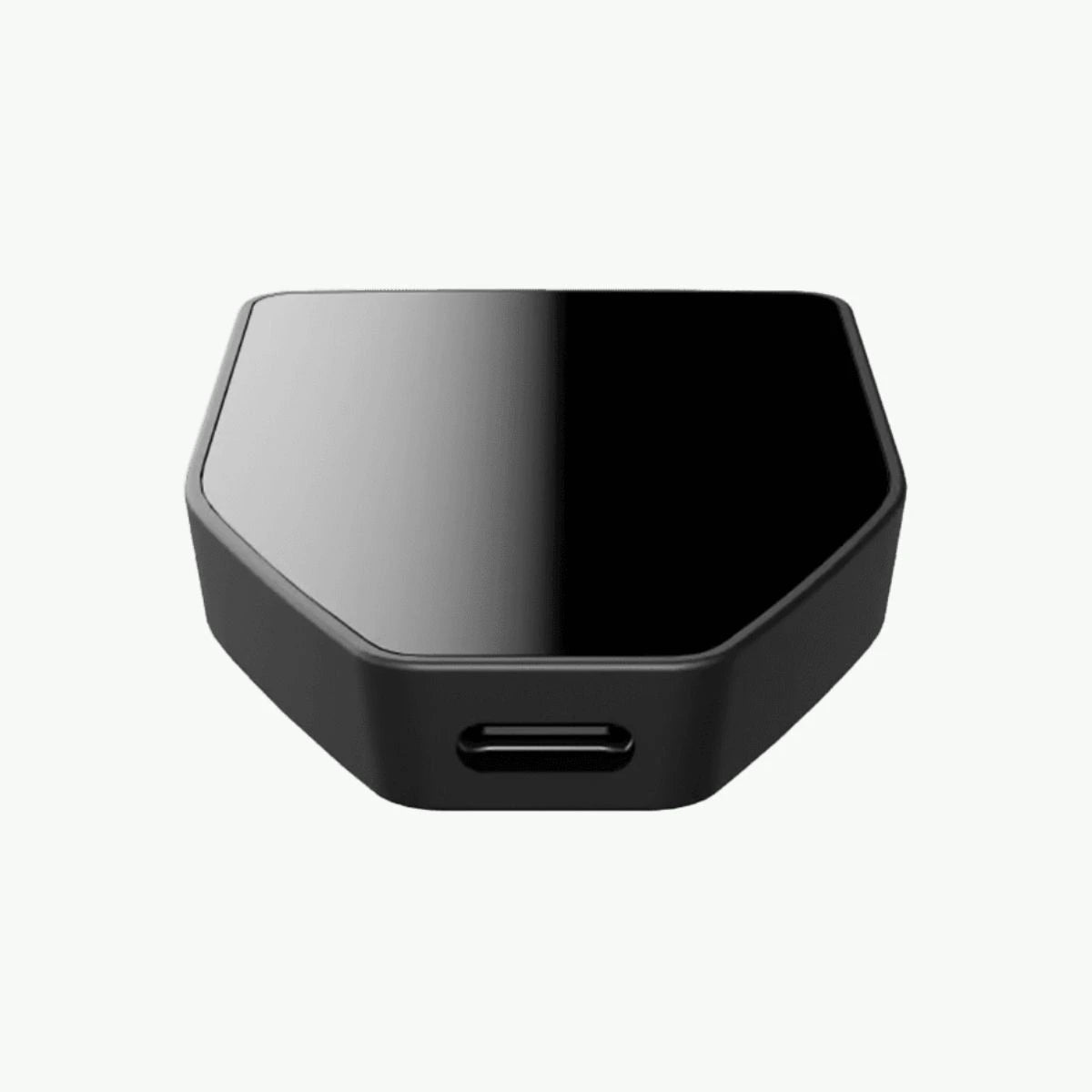
  • USB-C to USB-C cable
  • 2x wallet backup card (20 words)
  • Start-up guide
  • Trezor stickers
Compatible with phone/computer
  • Android
  • Windows
  • macOS
  • Linux
Connection method Connection method

Hardware wallets can connect to your devices in a variety of ways to sign and manage transactions. The choice of connection method affects usability, security, and compatibility. Below we explain the most common connection methods: NFC , Air-Gapped , USB-C , and Bluetooth .

Method Advantages Disadvantages Ideal for
1. NFC Handy, no cables Limited security Smartphone users
2. Air-Gapped Maximum safety Less user friendly Security-conscious users (long-term)
3. USB-C Reliable, stable Less portable PC users, reliable setups
4. Bluetooth Flexible, wireless More vulnerable to hacking Mobile users

1.NFC (Near Field Communication)

What is it?
NFC is a wireless communications technology that allows devices to exchange data over short distances (usually less than 10 cm).

How does it work?
The hardware wallet communicates with an NFC-compatible smartphone or other device by holding it close.

Advantages:

  • Quick and easy connection.
  • No cables required, making it convenient for mobile use.

Disadvantages:

  • Limited to devices with NFC support.
  • Possibly less secure than air-gapped solutions, as it uses wireless communication.

Suitable for : Users who seek convenience and manage transactions primarily on a smartphone.

2. Air-Gapped (Completely Offline)

What is it?
An air-gapped wallet does not connect directly to another device via cables or wireless technology. Communication occurs via QR codes or physical storage media, such as SD cards.

How does it work?
Transactions are prepared offline on a device (e.g. smartphone), after which they are transferred to the wallet via QR codes or files.

Advantages:

  • Extremely secure, as there is no direct contact with networks or other devices.
  • Protected against online attacks such as hacking or malware.

Disadvantages:

  • May be less user-friendly due to the additional steps required to complete transactions.
  • Less suitable for users looking for speed and convenience.

Suitable for: Users who value maximum security above all else. Also very suitable for long-term investors.

3. USB-C

What is it?
USB-C is a physical connection via a cable between the hardware wallet and a computer or smartphone. It is a widely used standard known for its fast data transfer and broad compatibility.

How does it work?
The hardware wallet connects to a compatible device via a USB-C cable.

Advantages:

  • Very stable connection, ideal for long-term use.
  • No wireless communication, which makes it more secure against certain attacks.
  • Suitable for use with both PCs and modern smartphones.

Disadvantages:

  • Limited by the physical cable; less portable and flexible.
  • Requires that the connected device is secure and malware-free.

Suitable for: Users looking for a reliable and secure connection without wireless technology.

4. Bluetooth

What is it?
Bluetooth is a wireless technology that allows devices to exchange data over short distances.

How does it work?
The hardware wallet connects to a smartphone or computer via a Bluetooth connection.

Advantages:

  • No cables required, ideal for mobile use.
  • Suitable for users who value convenience and flexibility.

Disadvantages:

  • Wireless communications can be susceptible to hacking if poorly implemented.
  • Depending on battery life of both devices.

Suitable for: Users who want convenience and manage transactions on the go.

  • USB-C
Touchscreen

Yes

Open source Open source

What is open source in hardware wallets?

An open source hardware wallet is a wallet whose source code (software) and sometimes also the hardware designs are freely available to everyone. This means that the instructions and operation of the device are completely transparent. The community of developers, security experts and users can view, check and in some cases even modify and improve the code.

When choosing a hardware wallet, the question of whether the device is open source often plays an important role. For some, open source offers ultimate transparency and control, while others value ease of use or trust in the manufacturer. This explanation explains why some people consciously choose an open source wallet and why others find this less important.

Open source wallets typically make two key components public:

  1. Software : The code that determines how the wallet works, such as signing transactions and communicating with blockchains.
  2. Hardware (not always) : The physical design and specifications of the hardware itself.

Why do people care about open source?

1. Full transparency

  • Verifiability: With an open-source wallet, anyone can verify the operation of the device. This means that independent experts can confirm that there are no hidden backdoors, vulnerabilities, or malicious features.
  • No secrets: Users do not have to blindly trust the manufacturer; the operation is completely public and verifiable.

2. Better safety

  • Community-driven audits: The open source community regularly conducts security audits, which minimizes the chance of errors or vulnerabilities.
  • Faster resolution: Any issues or bugs are found and resolved faster thanks to a broad network of developers and security experts.

3. No vendor lock-in

  • Independence from the manufacturer: If the manufacturer stops or ceases development of the wallet, the open source code remains available. This means that the community can continue to support and update the wallet.
  • Future-proofing: Users are not dependent on the continued existence of a specific company.

Why Some Users Don't Care About Open Source

While open source is attractive to many people, others see it differently:

  • Lack of technical knowledge: Not everyone has the skills to check the code themselves. They prefer to rely on a reputable manufacturer that makes well-secured products, regardless of whether it is open source.
  • Ease of use: Some open-source wallets have a steeper learning curve and may be less user-friendly than their closed alternatives.
  • No visible impact: For users who value security and functionality, a well-secured closed source solution can feel just as reliable.

Yes

Country of producer

Czech Republic