

An NFT is not stored on your hardware wallet but on the blockchain. What your hardware wallet stores are the private keys that determine who can move or sell that NFT. As long as those keys stay offline and you check every transaction on the screen of the device itself, malware on your computer or phone cannot simply send your NFTs away. In this article you will learn what to look for when choosing a hardware wallet for NFTs and which models from our range are suitable.
What does a hardware wallet do for your NFTs?
- Keys offline: the private keys of the account holding your NFTs never leave the device.
- Confirm on the device: every transfer, sale or approval has to be physically confirmed on the hardware wallet.
- Check on a trusted screen: the device’s screen shows what you are signing, independent of a possibly infected computer.
What should you look for?
- Supported blockchains: most NFTs live on Ethereum and other EVM networks such as Polygon, Base or Arbitrum; Solana is also popular. Check that both the device and its companion app support the network your NFTs are on.
- NFT display in the wallet app: some apps show your collection with images and let you send NFTs, others only show the collection name and token ID, or nothing at all. In that case you manage your NFTs through another wallet interface.
- Clear signing instead of blind signing: with clear signing the device shows in readable form what you are signing (for example which NFT goes to which address). With blind signing you only see an unreadable hash. If you get a blind signing warning, only sign if you are sure which website and which contract you are using.
- Connection with MetaMask, Rabby and similar wallets: for marketplaces and other dApps you usually connect the hardware wallet to a browser or mobile wallet. The hardware wallet remains the signer.
- A screen to check transactions: a larger screen makes it easier to review addresses and transaction details in full before you confirm.
Which hardware wallets are suitable for NFTs?
Ledger (Nano S Plus, Nano X, Flex, Stax)

Ledger has built NFT support into the Ledger Wallet app (formerly Ledger Live) for NFTs on Ethereum and Polygon. You view your collection in the app and, when sending, you see the details of the NFT transaction so you can check them on the device instead of signing blindly. Ledger calls this clear signing. On the Ledger Stax and the Ledger Flex you can also set an NFT as your lock screen. Ledger also works with MetaMask for other networks and dApps.

- Ideal for: collectors who want to view and send NFTs on Ethereum or Polygon directly in the app.
- View: Ledger Nano S Plus, Ledger Nano X, Ledger Flex, Ledger Stax.
Trezor (Safe 3, Safe 5, Safe 7)

Trezor Suite can display NFT collections on EVM networks such as Ethereum, BNB Smart Chain and Polygon (via the experimental features in the settings), but only with the collection name and token ID, without images. NFTs cannot be managed directly in Trezor Suite. NFTs on other networks, such as Solana, are not shown. Trezor recommends managing NFTs through a third-party interface such as MetaMask, using the account connected to your Trezor, and checking every receiving address character by character on the Trezor’s screen.
- Ideal for: users who manage their NFTs through MetaMask and value Trezor’s open-source approach.
- View: Trezor Safe 3, Trezor Safe 5, Trezor Safe 7.
Keystone 3 Pro

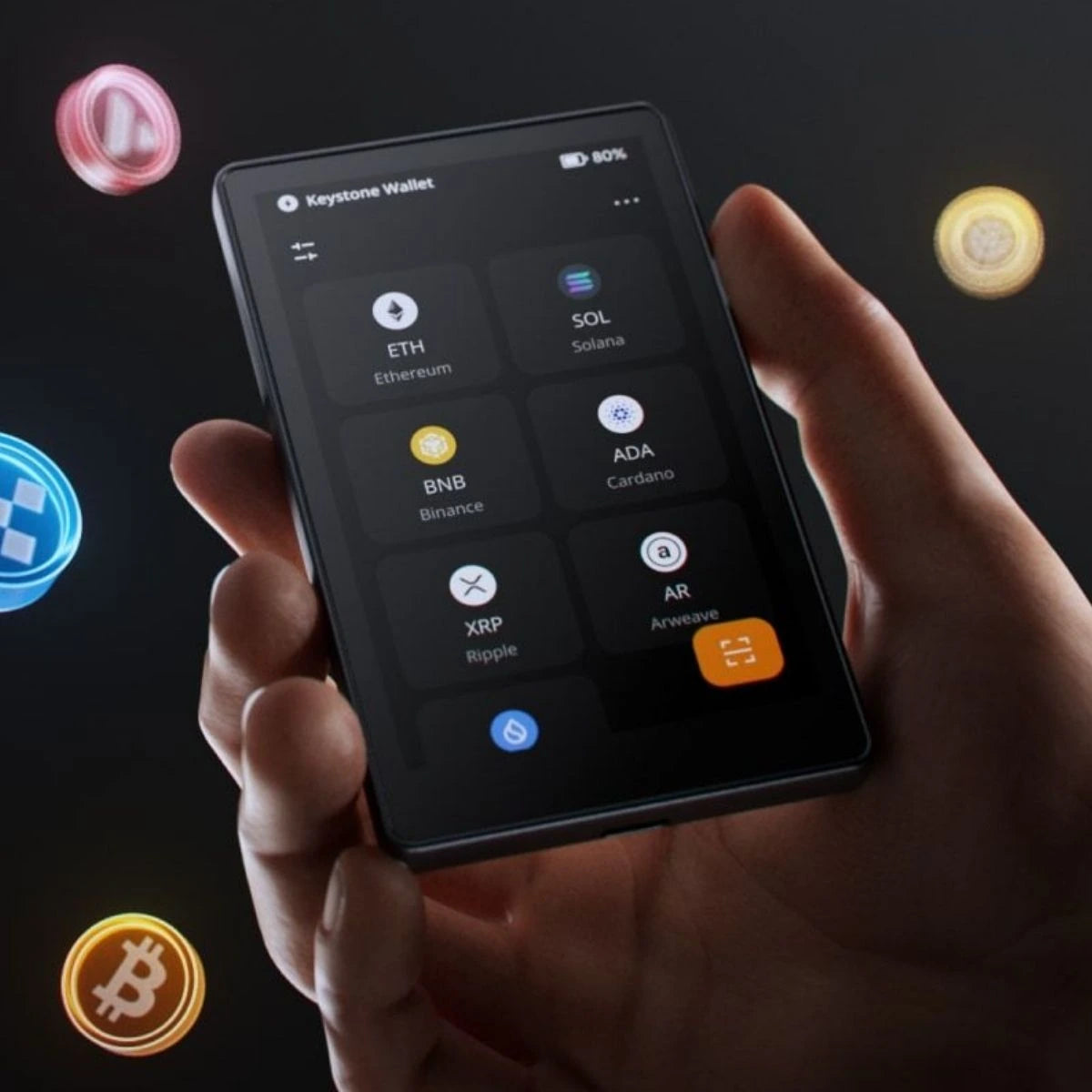
The Keystone 3 Pro is an air-gapped wallet that signs via QR codes. MetaMask officially supports Keystone as an air-gapped hardware wallet, both in the browser extension and in MetaMask Mobile. This lets you manage NFTs on Ethereum and other EVM networks through MetaMask while confirming every transaction on the Keystone’s touchscreen.
- Ideal for: users who want to keep their NFT account completely offline and work through MetaMask.
OneKey (OneKey Pro, Classic 1S)
In the OneKey app you can find your NFTs under your account. On the OneKey Pro you can send an NFT from the app to the device and set it as the wallpaper. MetaMask also supports OneKey as an air-gapped hardware wallet via QR codes.
- Ideal for: users who want to view their NFTs in the OneKey app and show an NFT on their wallet’s screen.
- View: OneKey Pro, OneKey Classic 1S.
NGRAVE ZERO

The NGRAVE ZERO is a fully air-gapped wallet with a touchscreen. MetaMask supports the NGRAVE ZERO as an air-gapped hardware wallet via QR codes, in the browser extension and in MetaMask Mobile. This lets you manage NFTs on Ethereum and other EVM networks through MetaMask.
- Ideal for: users looking for maximum offline security who manage their NFTs through MetaMask.
Tangem
According to Tangem, the Tangem app supports NFTs on Arbitrum, Avalanche, Base, BSC, Chiliz, Cronos, Ethereum, Fantom, Moonbeam, Moonriver, Optimism, Polygon and Solana (on EVM networks the ERC-721 and ERC-1155 standards). Sending cNFTs and pNFTs on Solana and frozen NFTs is not yet possible.
- Ideal for: mobile users with NFTs on multiple networks, including Solana.
- View: Tangem Wallet 2.0, Tangem Ring.
Security: how to keep your NFTs from being stolen
- Never enter your seed phrase on a website, in an app or in a form. No legitimate marketplace, airdrop or support agent will ever ask for it. Your seed phrase belongs only on paper or on a metal seed phrase backup.
- Beware of phishing and drainer sites: fake mints, “free” airdrops and cloned marketplaces get you to sign a transaction or approval that empties all your NFTs at once. Type addresses yourself or use bookmarks, and do not click links from DMs or comments.
- Read what you sign: check the address, the contract and the action on your hardware wallet’s screen. An approval for “all NFTs” (setApprovalForAll) gives a contract access to your entire collection.
- Be extra careful with blind signing: only enable blind signing when it is really necessary and only for websites you trust.
- Use a separate account: many collectors use one account for minting and experimenting and keep valuable NFTs on another account that they rarely connect to websites.
Frequently asked questions
Is my NFT stored on the hardware wallet?
No. The NFT lives on the blockchain. The hardware wallet stores the private keys that prove you are the owner and allow you to move the NFT.
Do I need to send my NFTs to my hardware wallet?
Yes, if they are currently on an address of a regular app or browser wallet. You then send them to an address of your hardware wallet. Always check the receiving address on the device’s screen.
Can I use a hardware wallet with MetaMask or Rabby?
Yes, many hardware wallets can be connected to browser wallets such as MetaMask. MetaMask supports Ledger, Trezor, Keystone, NGRAVE ZERO and OneKey, among others. The hardware wallet remains the signer: nothing happens without confirmation on the device.
Which wallet is suitable for NFTs on Solana?
That differs per brand. Tangem explicitly lists Solana as a supported network for NFTs, whereas Trezor Suite only shows NFTs on EVM networks. Always check the manufacturer’s current information before moving your NFTs.
Conclusion
Any hardware wallet that supports your NFTs’ network protects the keys to your collection. If you want to view and send NFTs on Ethereum or Polygon directly in the app with clear signing, Ledger is a logical choice; the Stax and Flex can even show an NFT as a lock screen. If you mainly work through MetaMask, Trezor, Keystone, NGRAVE ZERO and OneKey are good options. For NFTs on Solana, Tangem lists explicit support. Not sure? Browse our full range of hardware wallets or the hardware wallets with a touchscreen.


