
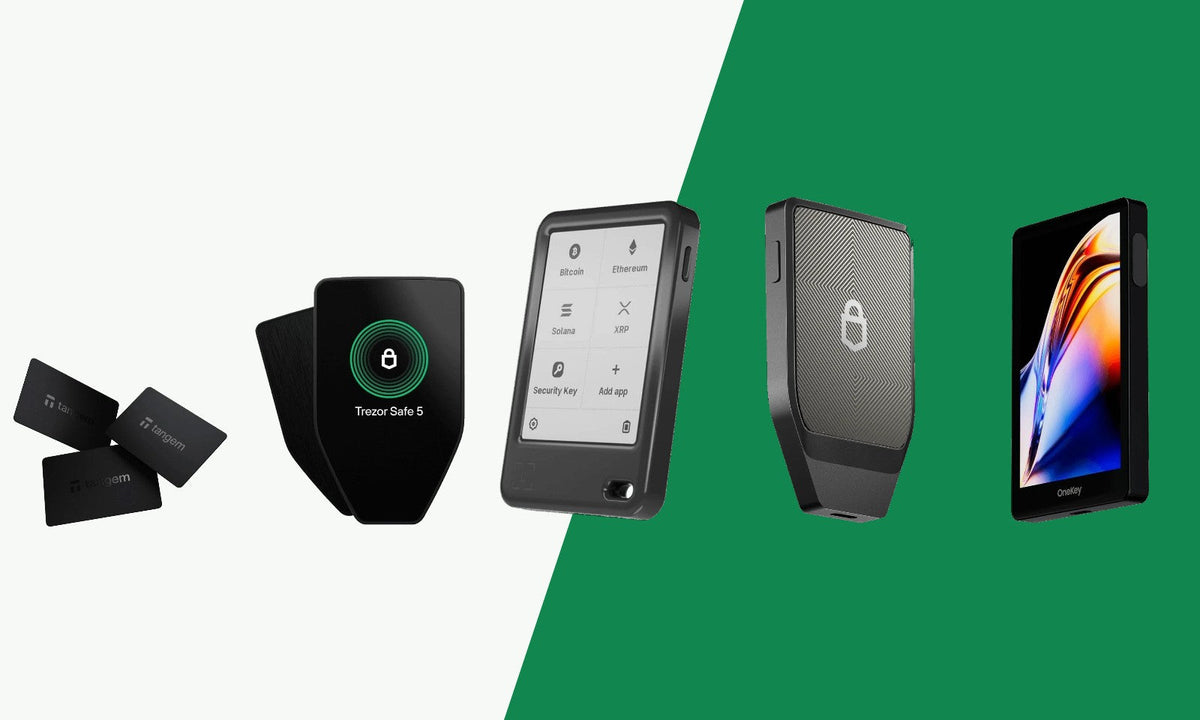
Looking for a hardware wallet but not sure where to start? In this overview we line up ten hardware wallets from our range. For each wallet you can read who it is suitable for, what its key features are and what to keep in mind. At the bottom you will find a comparison table and a short buying guide.
A hardware wallet stores the private keys of your crypto offline. You confirm transactions on the device itself, so your private keys stay away from your computer or phone. You can also read what a hardware wallet does exactly in our overview of all hardware wallets.
How we chose these ten
We looked at the wallets we currently sell and made sure there is a suitable wallet for different situations. We looked at:
- Connection: USB-C, Bluetooth, NFC or air-gapped (without a cable or wireless connection, using QR codes).
- Devices: does the wallet work with iPhone, Android and/or your computer?
- Controls: touchscreen, buttons or no screen at all.
- Open source: is the code public and can anyone check it?
- Coins: Bitcoin only, or other coins as well?
The specifications come from our product pages and the manufacturers' websites. The order is not a ranking. Which wallet suits you best depends on how you want to use it.
The 10 hardware wallets of 2026
1. Trezor Safe 7

Who it's for: you want an open source Trezor that you can also use wirelessly with your iPhone or Android phone.
Key features:
- 2.5" colour touchscreen (520×380 px) with Gorilla® Glass
- Bluetooth and USB-C
- Works with iOS, Android, Windows, macOS and Linux
- TROPIC01 chip plus an EAL6+ Secure Element
- Qi2-compatible wireless charging and a LiFePO₄ battery
- Aluminium housing with IP54 protection against dust and splashing water
- Open source
Pros: the only Trezor model in our range with Bluetooth and iOS support. Wireless charging.
Keep in mind: staking options are limited.
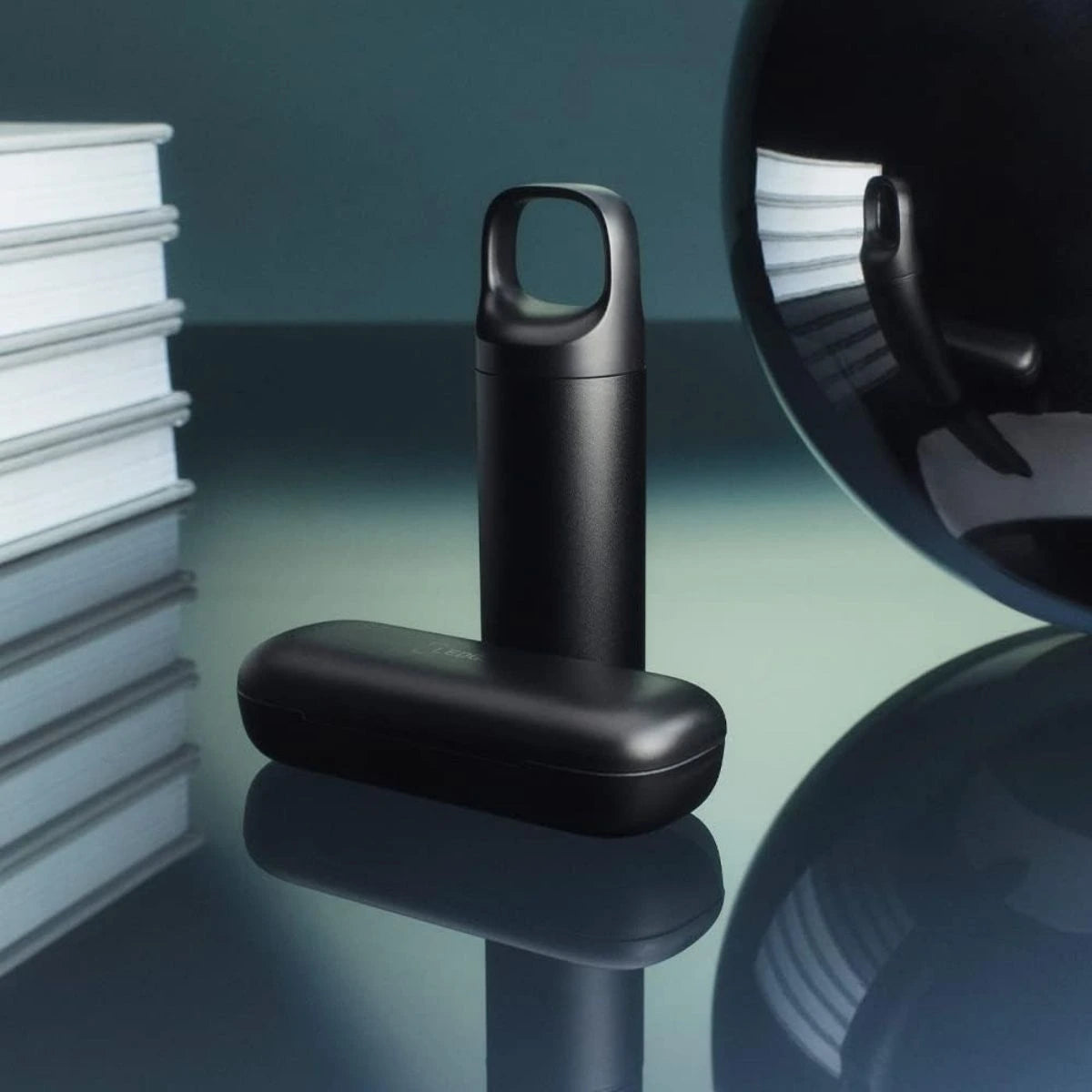
2. Ledger Nano™ Gen 5

Who it's for: you want a pocket-sized Ledger with a touchscreen, for your phone and your computer.
Key features:
- 2.8" touchscreen, anti-glare and scratch-resistant
- Bluetooth, USB-C and NFC
- Works with iOS, Android, Windows, macOS and Linux
- CC EAL6+ certified Secure Element chip
- 79 × 53 × 8 mm and 46 grams
- Ledger Recovery Key in the box
- You can customise your lock screen with a photo, NFT or badge
Pros: light and compact. You manage your crypto in the Ledger app, where you can also buy, swap and stake.
Keep in mind: not open source according to the specifications. No standard support for Shamir backup.
3. Tangem Wallet 2.0 Cards

Who it's for: you mainly manage your crypto on your phone and want a hardware wallet that fits in your purse or wallet.
Key features:
- Bank card-sized card, without a screen, cable or battery
- Works via NFC with the Tangem app on iOS and Android
- Choose 2 or 3 identical cards, so you can keep a spare in another location
- Chip: Samsung S3D232A
- Open source according to the specifications
Pros: small and easy to carry. You activate it by tapping the card against your phone.
Keep in mind: there is no desktop version. There is no screen on the device itself to check a transaction.
View the Tangem Wallet 2.0 Cards
4. BitBox02 Nova

Who it's for: you want an open source wallet from Switzerland that also works with your iPhone.
Key features:
- USB-C and Bluetooth LE
- Works with Windows, macOS, Linux, Android and iOS
- OLED display that is invisible when the device is switched off
- Operated with touch gestures, without physical buttons
- Backup to a microSD card and export of your BIP39 recovery phrase
- Hidden wallets and FIDO two-factor authentication
- Open source
Two editions: the Multi Edition supports Bitcoin, Ethereum (ERC20), Cardano, Litecoin and more than 1500 other tokens, among others. The Bitcoin Only edition is for Bitcoin only.
Keep in mind: operating it without buttons can take some getting used to. The Multi Edition does not come with a microSD card as standard.
5. Trezor Safe 5

Who it's for: you want an open source wallet with a touchscreen and use it with your computer or Android phone.
Key features:
- Colour touchscreen with haptic feedback (Trezor Touch haptic engine) and Gorilla glass
- USB-C
- Works with Android, Windows, macOS and Linux
- NDA-free EAL6+ Secure Element
- Bitcoin-only use is possible
- Open source
Pros: anyone can check the code. You operate it with a touchscreen.
Keep in mind: iOS is not listed among the supported devices and there is no Bluetooth. Staking options are limited.
6. Ellipal Titan 2.0

Who it's for: you want an air-gapped wallet with a large screen that you use with your phone.
Key features:
- Air-gapped: you sign transactions via QR codes, without Wi-Fi, Bluetooth or USB
- 4" IPS touchscreen
- Works with the Ellipal app on iOS and Android
- All-metal, sealed housing
- CC EAL5+ security
Pros: clear interface. Can be used fully offline.
Keep in mind: not suitable for use with a computer. Not open source according to the specifications.
7. OneKey Pro

Who it's for: you want an open source wallet with a large touchscreen and the choice between Bluetooth, USB-C and air-gapped use.
Key features:
- 3.5" touchscreen with fingerprint unlock
- Bluetooth and USB-C; air-gapped signing is possible via the camera and QR codes
- Works with iOS, Android, Windows, macOS and Linux
- Four EAL 6+ Secure Element chips
- Open source
Pros: lots of connection options in one device.
Keep in mind: battery life is limited with intensive use.
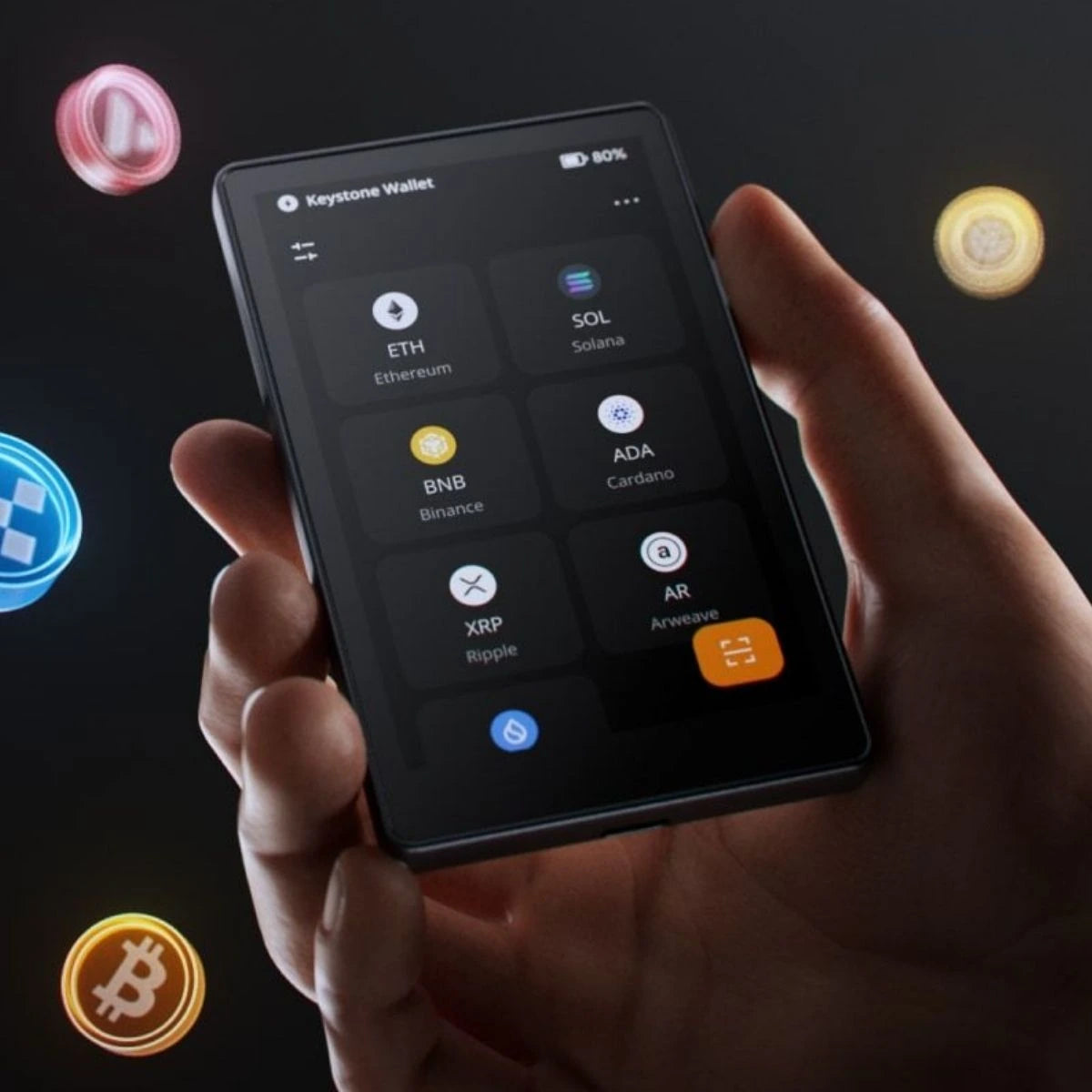
8. Keystone 3 Pro

Who it's for: you want an open source wallet that you use air-gapped, with a large touchscreen.
Key features:
- 4" touchscreen
- Air-gapped via QR codes; with a USB-C port
- Works with iOS, Android, Windows, macOS and Linux
- Three Secure Element chips
- Fingerprint security
- Up to three seed phrases on one device
- Open source; Bitcoin-only use is possible
Pros: suitable if you want to use your wallet without a cable or wireless connection.
Keep in mind: it is not the easiest wallet for beginners.
9. Blockstream Jade Plus

Who it's for: you only hold Bitcoin and want to choose for yourself how you connect.
Key features:
- Bitcoin only
- USB-C and Bluetooth; air-gapped use is possible via the built-in camera and QR codes
- microSD card for firmware updates and PSBT files
- Works with Electrum, Sparrow, Specter and Nunchuk, among others
- Operated with buttons (no touchscreen)
- Open source
- Available in a plastic version and two metal versions
Pros: lots of choice in how you use it, from wired to fully offline.
Keep in mind: no coins other than Bitcoin. Staking is not possible.
View the Blockstream Jade Plus
10. Trezor Safe 3

Who it's for: you want an open source hardware wallet to get started with and use it with your computer or Android phone.
Key features:
- 0.96" OLED screen; operated with two buttons
- USB-C
- Works with Android, Windows, macOS and Linux
- EAL6+ certified Secure Element chip
- Backup with 12, 20 or 24 words; a multi-share backup is also possible
- Protection with PIN and passphrase
- Open source; Bitcoin-only use is possible
Pros: the most affordable Trezor model in our range. Anyone can check the code.
Keep in mind: no touchscreen and no Bluetooth. iOS is not listed among the supported devices. Staking options are limited. Unsure whether to choose the Safe 3 or the Safe 5? Read Trezor Safe 3 vs Trezor Safe 5.
Comparison table
The data in this table comes from the specifications on our product pages.
| Wallet | Screen | Connection | Works with | Open source | Coins |
|---|---|---|---|---|---|
| Trezor Safe 7 | 2.5" colour touchscreen | Bluetooth, USB-C | iOS, Android, Windows, macOS, Linux | Yes | Multiple coins; Bitcoin-only possible |
| Ledger Nano™ Gen 5 | 2.8" touchscreen | Bluetooth, USB-C, NFC | iOS, Android, Windows, macOS, Linux | No | Multiple coins |
| Tangem Wallet 2.0 Cards | No screen | NFC | iOS, Android | Yes | Multiple coins |
| BitBox02 Nova | OLED display, operated with touch gestures | USB-C, Bluetooth LE | Windows, macOS, Linux, Android, iOS | Yes | Multi Edition: multiple coins; Bitcoin Only: Bitcoin only |
| Trezor Safe 5 | Colour touchscreen | USB-C | Android, Windows, macOS, Linux | Yes | Multiple coins; Bitcoin-only possible |
| Ellipal Titan 2.0 | 4" touchscreen | Air-gapped (QR) | iOS, Android | No | Multiple coins |
| OneKey Pro | 3.5" touchscreen | Bluetooth, USB-C; air-gapped possible | iOS, Android, Windows, macOS, Linux | Yes | Multiple coins |
| Keystone 3 Pro | 4" touchscreen | Air-gapped (QR), USB-C | iOS, Android, Windows, macOS, Linux | Yes | Multiple coins; Bitcoin-only possible |
| Blockstream Jade Plus | Screen with buttons | USB-C, Bluetooth; air-gapped possible | iOS, Android, Windows, macOS, Linux | Yes | Bitcoin only |
| Trezor Safe 3 | 0.96" OLED screen with two buttons | USB-C | Android, Windows, macOS, Linux | Yes | Multiple coins; Bitcoin-only possible |
Always check whether your coins are supported. Every product page has a link to the list of supported coins.
Which hardware wallet is right for you?
- You want to use your wallet with your iPhone: take a look at the Trezor Safe 7, Ledger Nano™ Gen 5, BitBox02 Nova or Tangem. You can find all options among the hardware wallets that work with iPhone.
- You want no cable and no Bluetooth: the Ellipal Titan 2.0 and Keystone 3 Pro work air-gapped via QR codes. The OneKey Pro and Jade Plus can do this too. See all air-gapped hardware wallets or read Air-gapped vs Bluetooth hardware wallets.
- You only hold Bitcoin: choose the Blockstream Jade Plus or the BitBox02 Nova Bitcoin Only. You can find more options among the Bitcoin-only hardware wallets.
- Open source matters to you: the Trezor models, BitBox02 Nova, OneKey Pro, Keystone 3 Pro, Jade Plus and Tangem are open source according to the specifications. See the open source hardware wallets.
- You want a hardware wallet that fits in your purse or wallet: the Tangem Wallet 2.0 Cards are the size of a bank card.
- You want a large screen: take a look at the Keystone 3 Pro, Ellipal Titan 2.0 or OneKey Pro. You can find all models among the hardware wallets with a touchscreen.
- You only use your computer: the Trezor Safe 5 and Trezor Safe 3 connect via USB-C to Windows, macOS and Linux.
- You are looking for an affordable open source wallet to get started with: the Trezor Safe 3 is the most affordable Trezor model in our range.
Still not sure? The hardware wallet selection guide helps you choose in a few steps.
Also in our range
Is your favourite not on the list? We sell more models, such as the Ledger Stax, Ledger Flex, Ledger Nano X, Ledger Nano S Plus, BitBox02, Ngrave Zero, SafePal S1 Pro and Foundation Passport Prime. You can find them all in our overview of all hardware wallets.
Frequently asked questions
What is the difference between a Bluetooth wallet and an air-gapped wallet?
A Bluetooth wallet connects wirelessly to your phone or computer. An air-gapped wallet does not need a cable or wireless connection to sign. You exchange data via QR codes. Read more in Air-gapped vs Bluetooth hardware wallets: which is safer?.
Does open source matter?
With an open source wallet, the code is public and anyone can check it. Whether that matters to you is explained in Why open source matters (or not) for hardware wallets.
What is a seed phrase?
A seed phrase (recovery phrase) is a series of words you can use to restore your wallet. Anyone who has your seed phrase has access to your crypto. So keep it offline, for example on a metal seed phrase backup. Also read how to store your seed phrase safely.
Can I enter my seed phrase online?
No. Never enter your seed phrase on a website, in an app on your computer or phone or in an email, and never take a photo of it. Genuine support staff will never ask for it.
What happens if I lose my hardware wallet?
Your crypto is not stored on the device itself but on the blockchain. With your seed phrase you restore your wallet on a new device. Read more in What happens if you lose your hardware wallet?.
Is one hardware wallet enough?
That depends on your situation. Read Is one hardware wallet enough?.
How do I move my crypto to a hardware wallet?
You send your coins from your exchange to a receiving address of your hardware wallet. Always check that address on the screen or in the app of your wallet. Read how to move your coins to your hardware wallet.
Why buy from Cryptoken?
- We are an official reseller of every hardware wallet brand we sell.
- You get a 2-year warranty. Your statutory rights always apply as well.
- We help you with the setup, for example with the 30-minute Cryptoken expert session.
- You get personal support in Dutch by email and phone.
- We ship discreetly, in a neutral package without our shop name.


